Hotel Lobby AI Video · Guides
Make more from two photos
Practical guides for choosing a photo pair, preparing each portrait, picking a template, and making a short two-person AI video. No prompt writing and no editing timeline required.
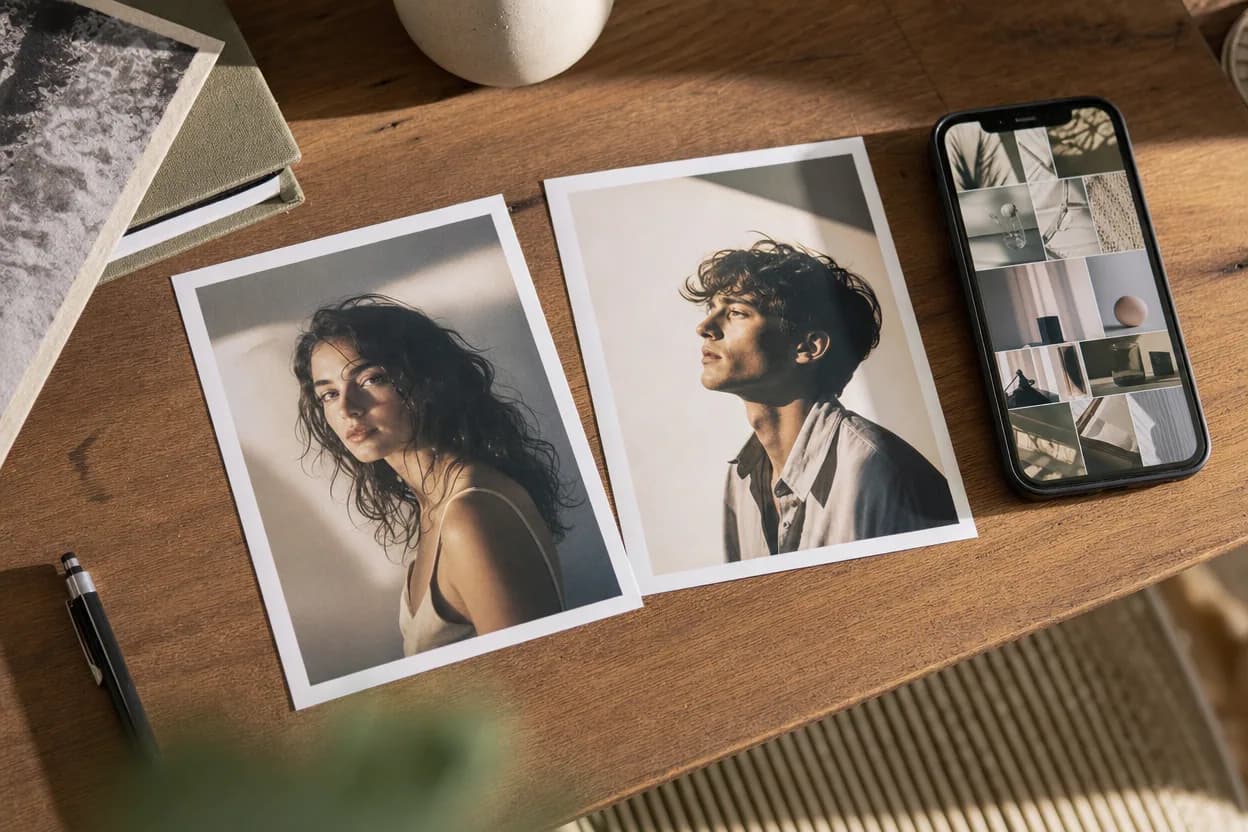
Hotel Lobby AI Video vs Viggle AI: Two-Photo Duo Video Compared
A source-checked comparison of Hotel Lobby AI Video and Viggle AI: what each asks you to upload, what the free tier includes, and how two-person output and pricing differ.
9 min readOctober 22, 2026English guides
15 in-depth guides, each built around a real product workflow.
 hotel lobby ai video vs viggle
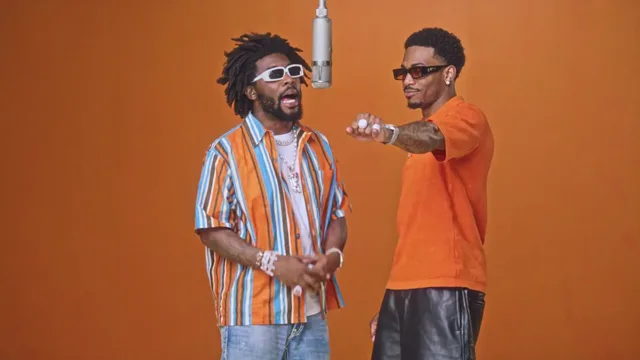
Hotel Lobby AI Video vs Viggle AI: Two-Photo Duo Video Compared
A source-checked comparison of Hotel Lobby AI Video and Viggle AI: what each asks you to upload, what the free tier includes, and how two-person output and pricing differ.
 photo to video ai free
Photo to Video AI Free: What You Can Actually Make
A clear-eyed guide to free photo-to-video AI: what free tools actually include, what they leave out, and how to judge a result before you spend money.
put two photos side by sideHow to Put Two Photos Side by Side (Free, No App)
A practical guide to combining two photos into one clean image, including layouts, spacing, phone caveats, and how to turn the pair into a short video.
 ai duo video photo checklist
Fix an AI Duo Video: A Practical Photo and Result Checklist
A repeatable way to prepare portraits and diagnose a weak result without blindly regenerating the same clip.
hotel lobby trendHotel Lobby Trend: Make a Two-Photo Performance Video
What the Migos-inspired trend means, how two portraits become a performance clip, and what to check before you share it.
 best ai video generator from photos
Best AI Video Generator From Photos: How to Judge One
The best AI video generator from photos is the one that matches your job. Use this checklist to tell a real two-photo pipeline from a single-image animation.
 how to make an ai video from photos
How to Make an AI Video From Photos: A Complete Walkthrough
A complete walkthrough of turning photos into a generated video, from choosing the images to downloading the finished MP4.
ai duo dance videoAI Duo Dance Video: Put Two People in the Same Routine
A duo dance video needs both people in the same scene from the first frame. Here is how two-photo generation keeps a pair synchronized.
hotel lobby video templateHotel Lobby Video Template: Picking the Right Preset Scene
Templates do the creative work in photo-to-video generation. Here is what each of the eight Hotel Lobby AI Video templates is built for.
ai dance video from photoAI Dance Video From Photo: Make a Moving Duo Clip
An energetic template plus two clear photos is enough to produce a dancing duo clip. Here is how to prepare photos for movement-heavy scenes.
 ai motion transfer video
AI Motion Transfer Video: How Movement Moves Between People
Motion transfer is the engine behind template-based video generation. Here is how a source scene's movement ends up in a clip built from your photos.
 photo to video ai
Photo to Video AI: How Still Images Become Moving Clips
Photo to video AI is a broad category with two very different engines inside. Learn how each one works and how to pick the right job for your image.
two person ai video generatorTwo Person AI Video Generator: Make a Clip With Both of You
Want both people in the same moving scene without filming? A two person AI video generator uses one photo each and a preset template to do exactly that.
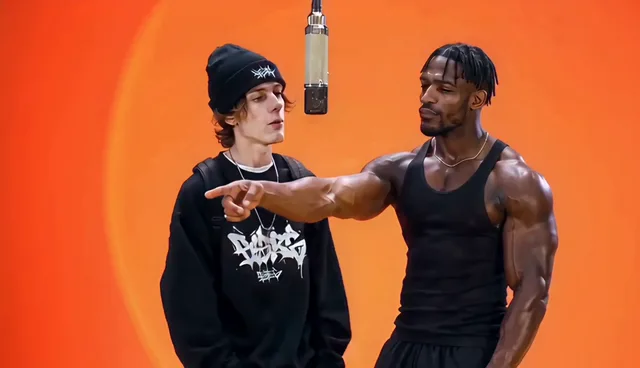 ai video from two photos
AI Video From Two Photos: How to Bring a Pair To Life
Two photos are all you need to produce a moving duo clip. Here is how motion transfer works, what to upload, and how to pick a template that fits your pair.
hotel lobby ai video generatorHotel Lobby AI Video Generator: Turn Two Photos Into a Duo Video
Learn what a hotel lobby AI video generator does, why two photos are enough, and how preset motion templates turn portraits into a finished duo clip.
Turn your photos into a duo video
Upload one photo per performer, pick a preset template, and generate a clip you can download. No prompt and no editing required.
Open the generator