best ai video generator from photos
Best AI Video Generator From Photos: How to Judge One
Judge the engine, not the label.
Reviewed against the live product on 2026-10-05. The generator offers 480p or 720p, one photo per performer, and a template-set length.
Searching for the best AI video generator from photos is harder than it should be, because almost every tool uses the same few phrases. "Turn photos into video." "AI-powered." "No editing required." The words do not tell you what actually happens to your image, and that is the only thing that matters.
The honest answer is that "best" depends on the job. A tool that animates one portrait beautifully is the wrong choice for a two-person scene. A tool built for template-driven duo clips is the wrong choice if you want to describe an arbitrary scene in text. The useful question is not which tool ranks highest in the abstract, but which one does the specific thing you need.
This guide lays out the criteria that actually separate tools, in the order they affect your result. Use it as a checklist against any product you are considering — including this one.
Make your video here
Choose one photo per performer, preview them and swap positions. Generation requires sign-in and uses your account credits. Use photos you have permission to upload.
Choose your performers
Clear front-facing photos work best — one person per image, no covered faces.
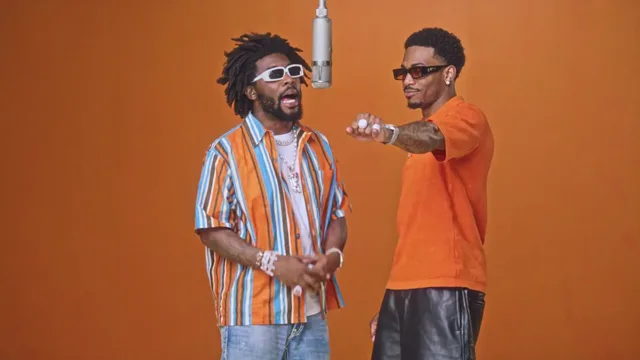
Two people performing a short studio duet, recast with your two photos.
Each generation uses credits from your balance.
Sign in to generate videos.
Signing in keeps selected photos in this browser for your return. The draft expires after 20 minutes and is removed on return or the next visit after expiry.
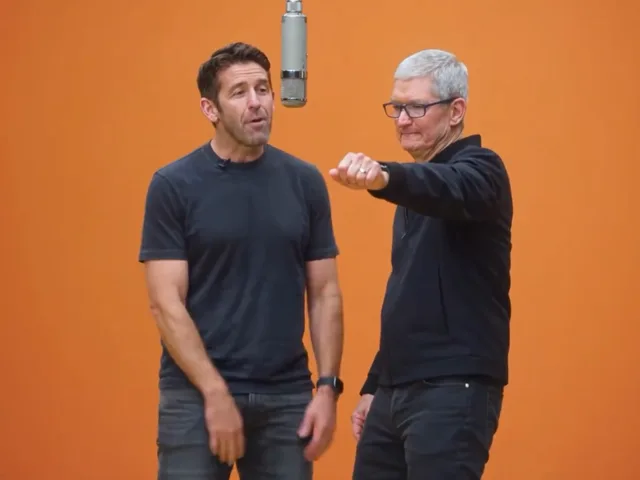
Template preview — your two photos replace these performers.
Preview and change the motion template
Classic Duo
Two people performing a short studio duet, recast with your two photos.
High Energy Duo
A faster, more upbeat two-person studio performance.
Soft Groove Duo
A slower, relaxed two-person studio groove.
Still to Motion
A still portrait brought into gentle motion.
Minimal Motion
Subtle movement with a minimal set and camera.
Kangaroo Boxer
A single boxing-kangaroo motion source from your provided material.
Duo Conversation
Two performers facing each other in a dialogue scene.
Cinematic Duo
A wider, more cinematic two-person framing.
Tools used in this guide
Start with the engine, not the marketing
Every photo-to-video product belongs to one of two families. Single-image tools animate one photo in place: a portrait blinks, sways, or shifts subtly, and the scene around it stays put. Motion-transfer tools place your photo into a staged scene whose movement already exists, which produces bolder, more structured motion.
Knowing which family a tool belongs to tells you almost everything else. It predicts how many photos you will upload, how much movement you will get, and how much control you have over the scene. If a product is vague about this, that vagueness is itself a signal.
Decide first which family suits your goal. A gentle keepsake animation calls for the first. A scene with choreography and camera work calls for the second. Neither is universally better.
Criterion 1: does it genuinely accept two photos?
If you want two people in one video, check that the tool accepts two separate uploads and keeps both identities distinct. That is a real technical requirement, not a marketing preference. Two separate portraits give the model a clean identity for each performer; a single group photo forces it to guess where one person ends and the other begins.
A tool that only ever asks for one image cannot produce a true duo clip. It can animate one person at a time, and you can place two results side by side, but they will never share a scene, a camera, or a moment. If togetherness is the point, one-photo tools are the wrong fit.
- Two separate photo inputs, one per performer.
- Explicit performer slots rather than a single upload box.
- A way to swap which photo fills which slot.
- Two-person templates that keep both faces in frame together.
Criterion 2: predictability of the output
Prompt-based generation is flexible but variable. Describe a scene and the model invents it fresh each time, so small wording changes can shift the entire result. That unpredictability makes it hard to compare attempts, and it means you cannot reliably reproduce a clip you liked.
Template-based generation trades flexibility for consistency. The scene is fixed and licensed, so the movement behaves the same way every run and only the faces change. For paired content especially, that repeatability is worth more than open-ended choice, because it lets you put the same two people into several scenes and compare them fairly.
Neither approach is wrong. But if you care about a consistent look or about reproducing a result, weigh predictability heavily.
Criterion 3: how well it preserves likeness
The quality of the output is capped by the quality of the input, so a good tool is strict about what it accepts. Look for clear guidance on subject count, framing, lighting, and file limits. Hotel Lobby AI Video, for example, asks for one clear subject per photo and accepts JPG, PNG, and WebP up to 10 MB each — guidance that exists precisely because it affects the result.
A tool that accepts anything and promises everything is usually the one that disappoints. Constraints are a feature: they tell you the product knows what makes a transfer faithful, and they steer you toward photos that will actually work.
When you test a tool, judge likeness directly. Generate once with your best photo, then generate again with an obviously weaker one and compare. The gap between the two tells you how much the tool depends on input quality — and how much care you will need to take every time.
Criterion 4: the output you actually receive
Check that the deliverable is a standard video file you can download and keep, usually an MP4. A file that only lives inside the product is not really yours, and it limits where you can use it.
Then look at resolution choices. A tool that offers a fast, lighter option for testing and a sharper option for a final version respects the fact that you will want to experiment before committing. The ability to compare templates cheaply, then re-run the winner at higher quality, is a practical advantage that shows up in every session.
Length is usually fixed by the template or the scene, and that is normal for this category. What matters is that the tool tells you the length up front rather than surprising you.
- A downloadable standard video file such as MP4.
- At least two resolution options, one fast and one sharper.
- Clear information about clip length before you generate.
- A preview step so you can check the result before sharing it.
Criterion 5: how failures are handled
Video generation is heavy work, and failures happen. This is where a tool reveals how it treats its users. If a run fails or is cancelled, does the balance you spent come back, or is it simply gone?
Hotel Lobby AI Video returns the credits used for a failed or cancelled run to your account automatically. That policy matters because it changes how you behave: you can retry without feeling punished, which is exactly the mindset that leads to better results. A tool that quietly keeps the balance encourages caution and discourages experimentation.
This criterion is easy to overlook when comparing feature lists, but it shapes the day-to-day experience more than most headline features do.
Why Hotel Lobby AI Video fits these criteria
Measured against the checklist above, Hotel Lobby AI Video is built for two-person, template-driven clips. It accepts one photo per performer, keeps both identities separate in a single scene, and offers a swap control for the performer order. Its eight templates are bound to real licensed source videos, so the scene behaves consistently and reruns reliably.
It fits the predictability criterion by design: there is no prompt to write, so the scene and its timing stay fixed while only the photos change. It fits the likeness criterion with clear photo guidance and a 10 MB limit per image. And it handles failures fairly, returning credits for runs that fail or are cancelled.
Where it is deliberately narrow is scene invention. You choose from a curated set of templates rather than describing any scene you can imagine. For duo clips that is an advantage, because the scenes are staged and consistent. For someone who wants to direct a specific custom scene from text, it is simply a different kind of tool.
A ten-minute way to test any tool
Do not evaluate by feature list. Run the same short test against every candidate and compare the outputs directly.
- Use the same two photos for every tool, so the inputs are identical.
- Generate once at the fastest available setting to compare speed and likeness.
- Run a second template or style to see how consistent the results are.
- Check the finished file: format, resolution options, and whether it downloads.
- Read the failure policy before you commit real time to the tool.
The bottom line
The best AI video generator from photos is the one whose engine matches your job. If you need two people moving together in a staged scene without filming, that means a tool that takes two separate photos and runs them through preset templates. If you need a subtle single-portrait animation, it means the opposite.
Judge the engine first, then predictability, then likeness, then output, then how failures are handled. Those five checks cut through the marketing language faster than any feature grid, and they tell you what your own results will look like before you spend time on them.
Frequently asked questions
What makes an AI video generator good for photos?
A clear engine that matches your goal, genuine support for the number of photos you need, strict photo guidance that preserves likeness, downloadable output in useful resolutions, and a fair policy for failed generations.
How do I know if a tool really uses two photos?
It will ask for two separate uploads with a performer slot for each, and it will offer two-person templates that keep both faces in the same scene.
Are template-based generators worse than prompt-based ones?
No. Templates trade open-ended scene choice for consistency and repeatability. That is an advantage when you want a stable, comparable result, and a limitation when you need a fully custom scene.
What should I check about the output file?
Confirm it is a standard video such as MP4 that you can download, and that the tool offers both a fast resolution for testing and a sharper one for the final version.
Why does failure handling matter?
Generation is heavy work and failures happen. A tool that returns credits for failed or cancelled runs lets you experiment without penalty, which leads to better results.
Is Hotel Lobby AI Video right for a single photo?
It supports single-performer templates such as Kangaroo Boxer for one photo, but its strength is two-person scenes built from one photo per performer.
Pick the moment
Each use case opens the same real generator with a template chosen for that occasion.
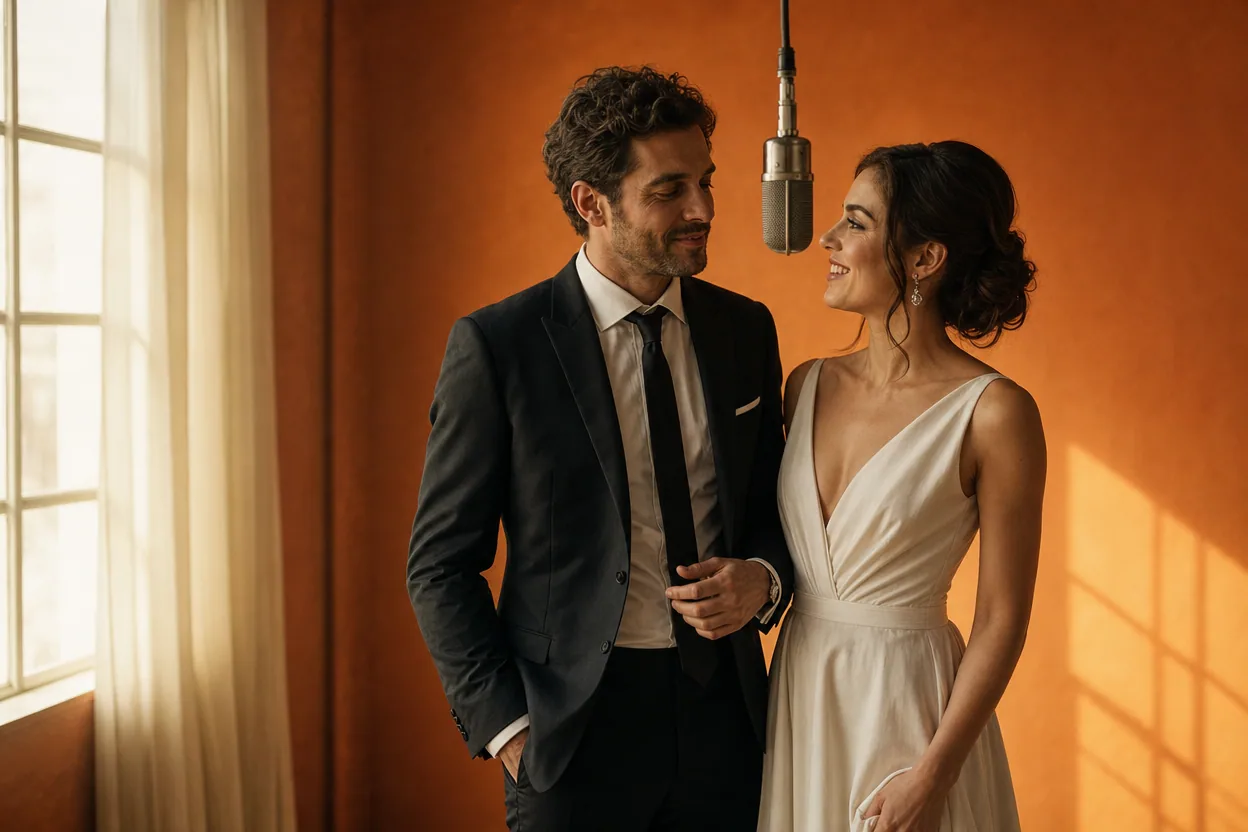
Wedding and couple keepsakes
Wedding Photo to Video
A wedding photo to video gives two formal portraits a shared moment of movement. You upload one photo of each person, choose a cinematic template, and the two faces are placed into the same short performance.
Open this use case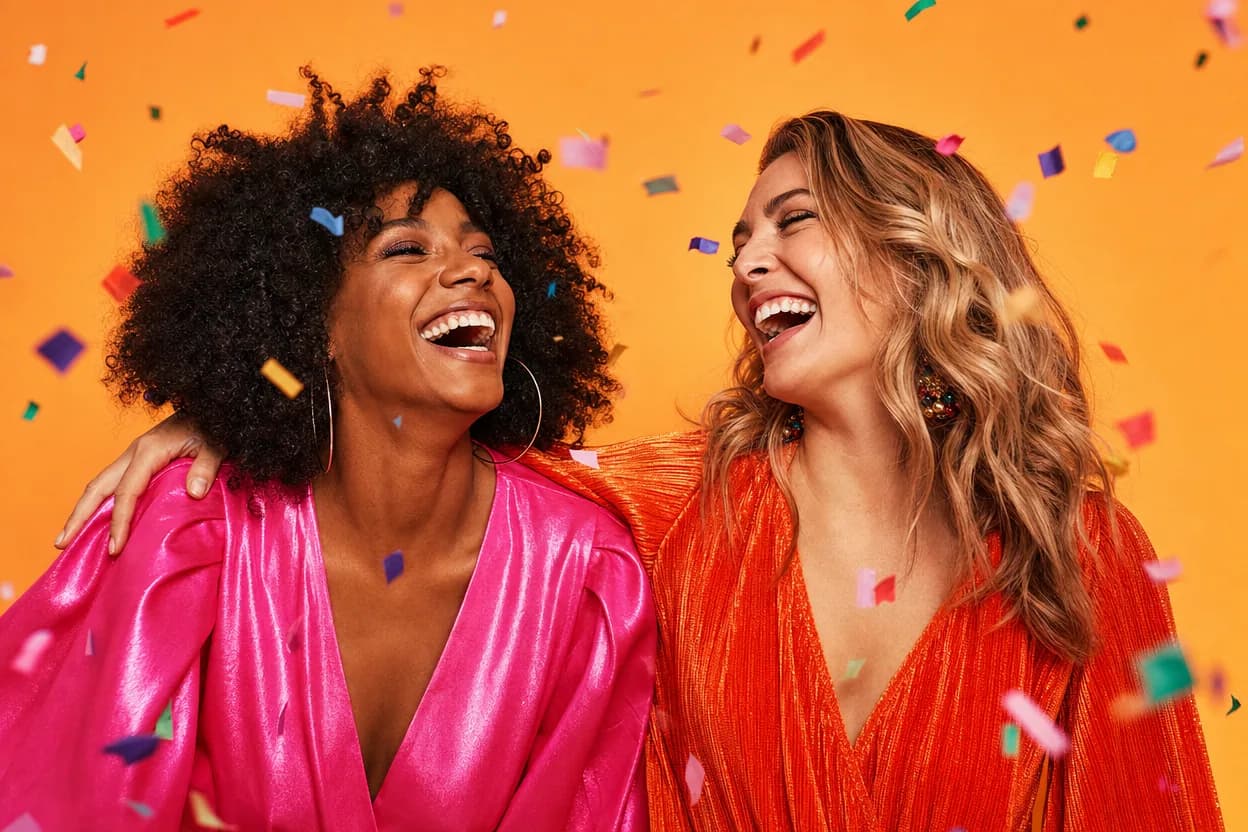
Birthday greetings
Birthday Photo to Video
A birthday photo to video lets two people share one short, upbeat clip without filming together. It works for a joint greeting, a long-distance message, or a playful post for someone who is hard to gather in one room.
Open this use case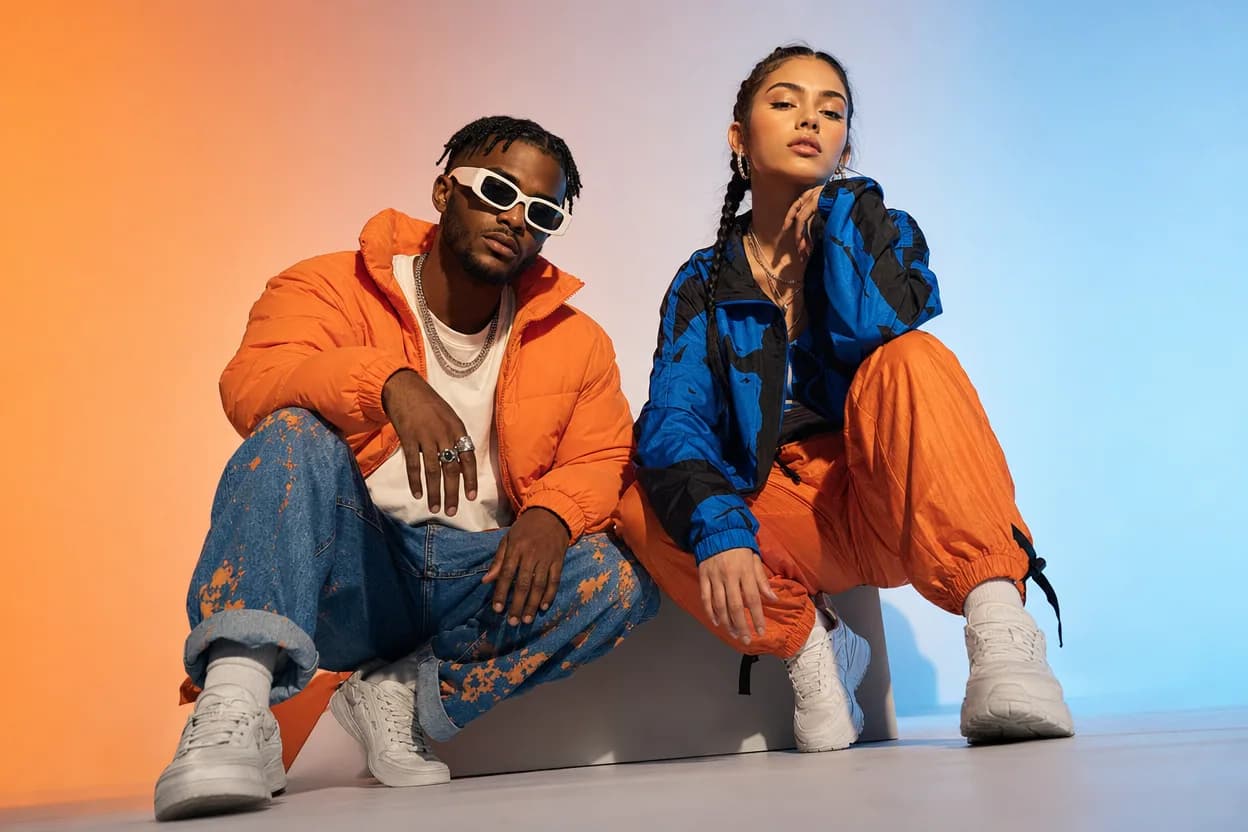
Social clips
Social Media Duo Video
A social media duo video is a short, shareable clip built from two portraits. It gives a post a moving visual without a shoot, a script, or a shared filming session.
Open this use caseRelated reading
 how to make an ai video from photos
How to Make an AI Video From Photos: A Complete Walkthrough
A complete walkthrough of turning photos into a generated video, from choosing the images to downloading the finished MP4.
 photo to video ai
Photo to Video AI: How Still Images Become Moving Clips
Photo to video AI is a broad category with two very different engines inside. Learn how each one works and how to pick the right job for your image.
 hotel lobby ai video generator
Hotel Lobby AI Video Generator: Turn Two Photos Into a Duo Video
Learn what a hotel lobby AI video generator does, why two photos are enough, and how preset motion templates turn portraits into a finished duo clip.
hotel lobby ai video vs viggleHotel Lobby AI Video vs Viggle AI: Two-Photo Duo Video Compared
A source-checked comparison of Hotel Lobby AI Video and Viggle AI: what each asks you to upload, what the free tier includes, and how two-person output and pricing differ.