Free browser tools
Prepare two photos before you make a video
The video generator needs one clear person per photo. These tools help you combine, crop, and brighten the pair first. They run in your browser and do not upload a photo until you choose to continue to the generator.
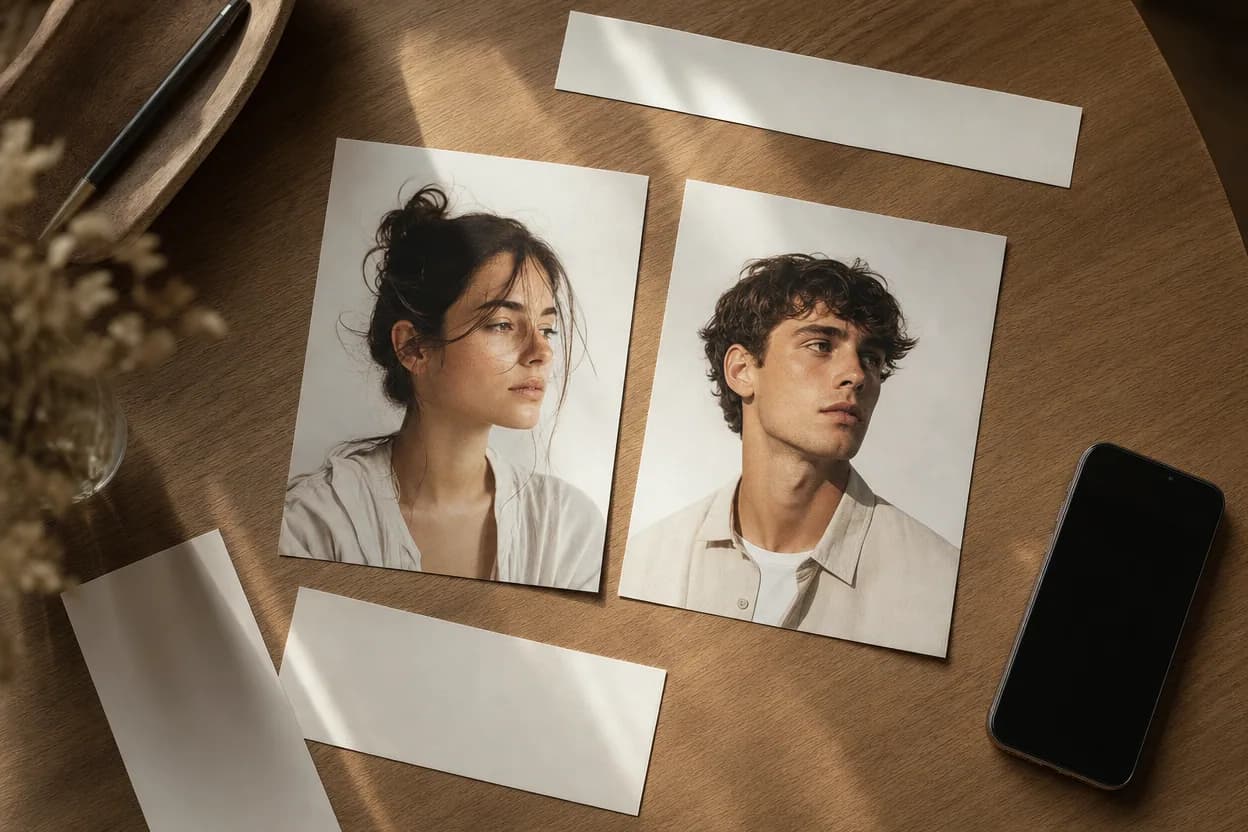
Two-Photo Collage
Put two photos side by side, stacked, or in a polaroid frame. Adjust the gap and background, then export a clean PNG.
Open tool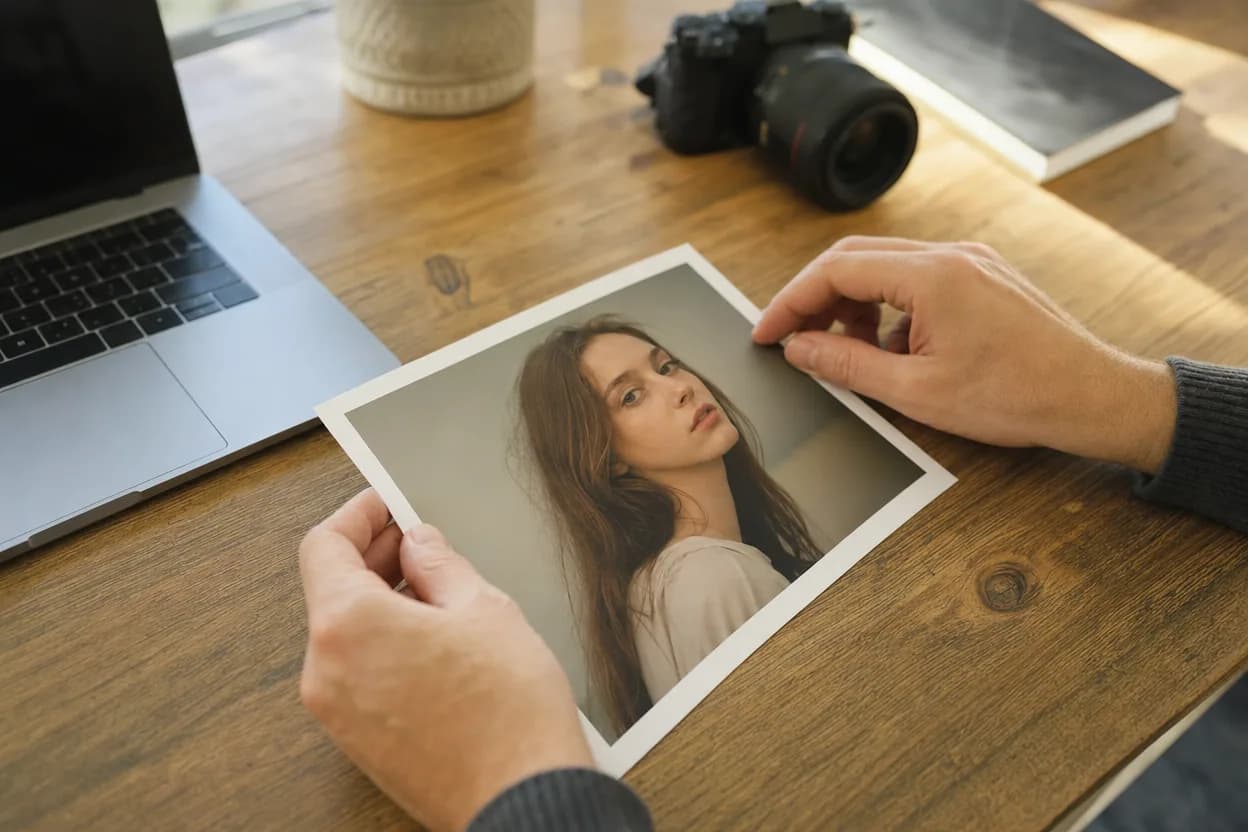
Photo Prep Studio
Crop, zoom, move, and brighten each portrait before you upload it to the video generator. Everything runs locally.
Open toolWhich tool should I use?
Use the collage tool when you want one shareable image with both people in it. Use the photo prep studio when you want to improve the two individual portraits before generating a video. If your photos are already clear and front-facing, skip both and go straight to the generator.
Open the video generator