ai duo dance video
AI Duo Dance Video: Put Two People in the Same Routine
One routine, two faces, two photos.
Reviewed against the live product on 2026-10-04. The generator offers 480p or 720p, one photo per performer, and a template-set length.
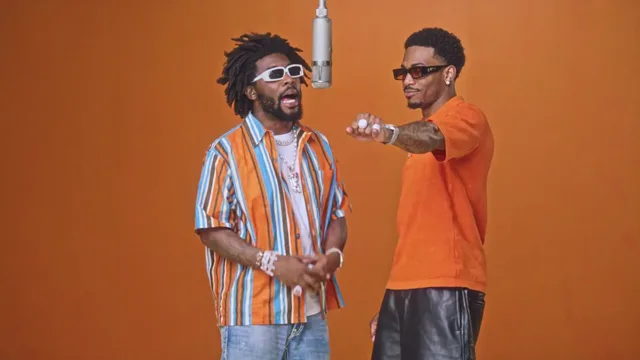
An AI duo dance video is a paired clip: two people moving through the same routine in a single scene. What makes it duo rather than solo is not just the number of people but the fact that they share the frame from start to finish. They are staged together, they move together, and the timing belongs to both of them.
Getting there without filming is the interesting part. A normal dance video needs two people, a space, a camera, and enough takes to get timing right. A two-photo generator replaces all of that. One photo per person supplies the identities, and a preset template supplies the movement both performers follow.
This guide focuses on the paired side of that workflow: how synchronization works, how to prepare two photos that belong together, and how to choose a template whose energy suits the pair.
Make your video here
Choose one photo per performer, preview them and swap positions. Generation requires sign-in and uses your account credits. Use photos you have permission to upload.
Choose your performers
Clear front-facing photos work best — one person per image, no covered faces.
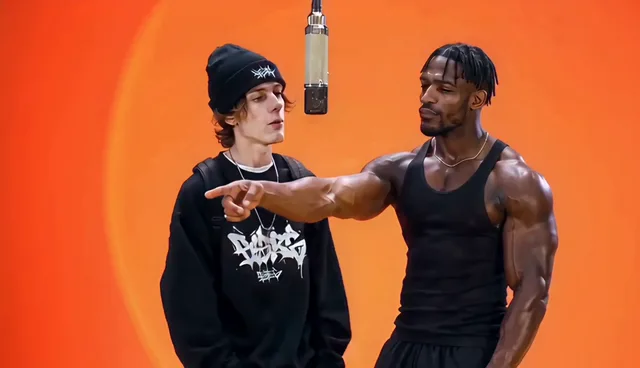
Two people performing a short studio duet, recast with your two photos.
Each generation uses credits from your balance.
Sign in to generate videos.
Signing in keeps selected photos in this browser for your return. The draft expires after 20 minutes and is removed on return or the next visit after expiry.
Template preview — your two photos replace these performers.
Preview and change the motion template
Classic Duo
Two people performing a short studio duet, recast with your two photos.
High Energy Duo
A faster, more upbeat two-person studio performance.
Soft Groove Duo
A slower, relaxed two-person studio groove.
Still to Motion
A still portrait brought into gentle motion.
Minimal Motion
Subtle movement with a minimal set and camera.
Kangaroo Boxer
A single boxing-kangaroo motion source from your provided material.
Duo Conversation
Two performers facing each other in a dialogue scene.
Cinematic Duo
A wider, more cinematic two-person framing.
Tools used in this guide
Why a duo clip is different from two solo clips
Two solo clips can be played next to each other, but they are never really together. Each one has its own camera position, its own timing, and its own sense of space. Even if the movement matches, the two people never share a moment — they simply appear in sequence.
A duo template fixes that by staging both performers inside one scene. The camera frames them both, the movement is choreographed for two bodies, and the timing is shared. Nothing has to be lined up afterwards, because the pair was never separated in the first place.
That is also why a two-photo input is required rather than one group image. Two separate uploads give the model a clean identity for each performer, so both faces remain distinct while they move through the same routine.
- One scene, one camera, both performers visible throughout.
- No editing step to align two separate clips.
- Two clean uploads keep each identity separate inside the scene.
- A single MP4 file that already contains the pair.
How synchronization survives generation
The movement comes from the template, not from your photos. That means the choreography and its timing are fixed: every frame of the scene already knows where each performer should be. The generator rebuilds those frames around your two faces, so both people follow the same rhythm by construction.
Because the timing is inherited rather than invented, a duo clip stays coherent even with very different photos. One person can be photographed indoors and the other outdoors, months apart, and the scene still places them together on the same beat.
The result depends mostly on how well each photo captures its person. The routine itself will land; the question is how closely each face resembles the original. Keep that in mind when you choose uploads, because a weak photo is the most common reason a duo clip feels off.
Preparing a matched pair of photos
Treat the two uploads as partners. Each one needs a single, clearly visible subject with a face the model can read: straight-on or near straight-on, evenly lit, head and shoulders comfortably inside the frame. Those basics do more for the final clip than any other choice.
Then look at the pair together. Similar framing and similar lighting make the two performers sit naturally in the same scene. If one photo is a bright, tight portrait and the other is a dim shot from across a room, the imbalance is visible even before the movement starts.
If one photo is clearly weaker, replace it before you generate. Upgrading the lesser photo almost always improves the pair more than tweaking anything else, because each performer is only as convincing as the picture behind them.
- One person per photo, clearly the subject.
- Similar framing between the two uploads.
- Similar lighting so neither performer looks out of place.
- JPG, PNG, or WebP up to 10 MB per image.
Picking the energy level
Duo templates differ in pace, and pace is the clearest creative lever you have. High Energy Duo is the fastest two-person scene, built for visible, continuous movement. It suits photos that already feel lively and it gives the clip a sense of momentum.
Soft Groove Duo slows the same idea into a relaxed groove. For a pair whose photos are calmer, or whose faces are not equally sharp, the gentler scene is often the better result. Less motion means fewer frames where a small inaccuracy can show.
Classic Duo stays in the middle as a balanced studio duet, and it is the safest starting point if you are unsure. Duo Conversation and Cinematic Duo offer more composed framings: the first emphasizes the two performers facing each other, and the second pulls the camera back for a wider, film-like look.
Running the generation
The workflow is short and lives on one page. Open the generator at the #generator anchor on the home page, upload both photos, and choose a two-person template.
- Add Photo A and Photo B, one for each performer.
- Use Swap if you want the pair on opposite sides.
- Select a duo template whose pace matches your photos.
- Generate at 480p to check the fit, then re-run at 720p for the final version.
- Watch the status, preview the finished clip, and download the MP4.
When the pair does not look right
If one person dominates the frame or the two look mismatched, the cause is usually the photos rather than the template. Compare the uploads side by side and bring them closer in lighting and framing. A pair that looks consistent before the render tends to look consistent after it.
If the clip feels too still or too frantic, the fix is a different template, not a different photo. The same two faces read very differently in High Energy Duo than in Soft Groove Duo, and a fast comparison at 480p will settle the choice in minutes.
If a run fails or is cancelled, there is nothing you need to fix: the credits used for that run return to your account automatically, so you can simply try again.
Sharing a clip with two people in it
A duo video involves two people, so a quick check before posting is both sensible and considerate. Make sure both are comfortable appearing in a generated clip, and use photos you have the right to use. If the clip is a gift or a private keepsake, that step is simple.
The finished file is a standard MP4, so it plays anywhere and can be shared however you normally share video. The template determines the length, so there is no trimming required to make it usable — though you are free to adjust it in an editor if a particular platform calls for a different crop.
Frequently asked questions
Can two people dance together in an AI video made from photos?
Yes. Choose one of the two-person templates, upload one photo per performer, and the generator places both faces in the same choreographed scene.
Do I need two separate photos?
Yes. Two separate portraits give each performer a clean identity, while a single group photo forces the model to separate the faces on its own.
Will the two people move in sync?
Yes. The template supplies the choreography and its timing, so both performers follow the same routine by construction.
Which templates work for a duo dance clip?
High Energy Duo is the most upbeat, Soft Groove Duo is the calmest, and Classic Duo is the balanced option. Duo Conversation and Cinematic Duo offer more composed framings.
Can the two photos come from different places?
Yes. Each photo is handled independently, so the two people do not need to have been photographed together or even in the same location.
What resolution should I pick?
Use 480p to compare templates quickly and 720p for the final clip you plan to keep or share.
Pick the moment
Each use case opens the same real generator with a template chosen for that occasion.
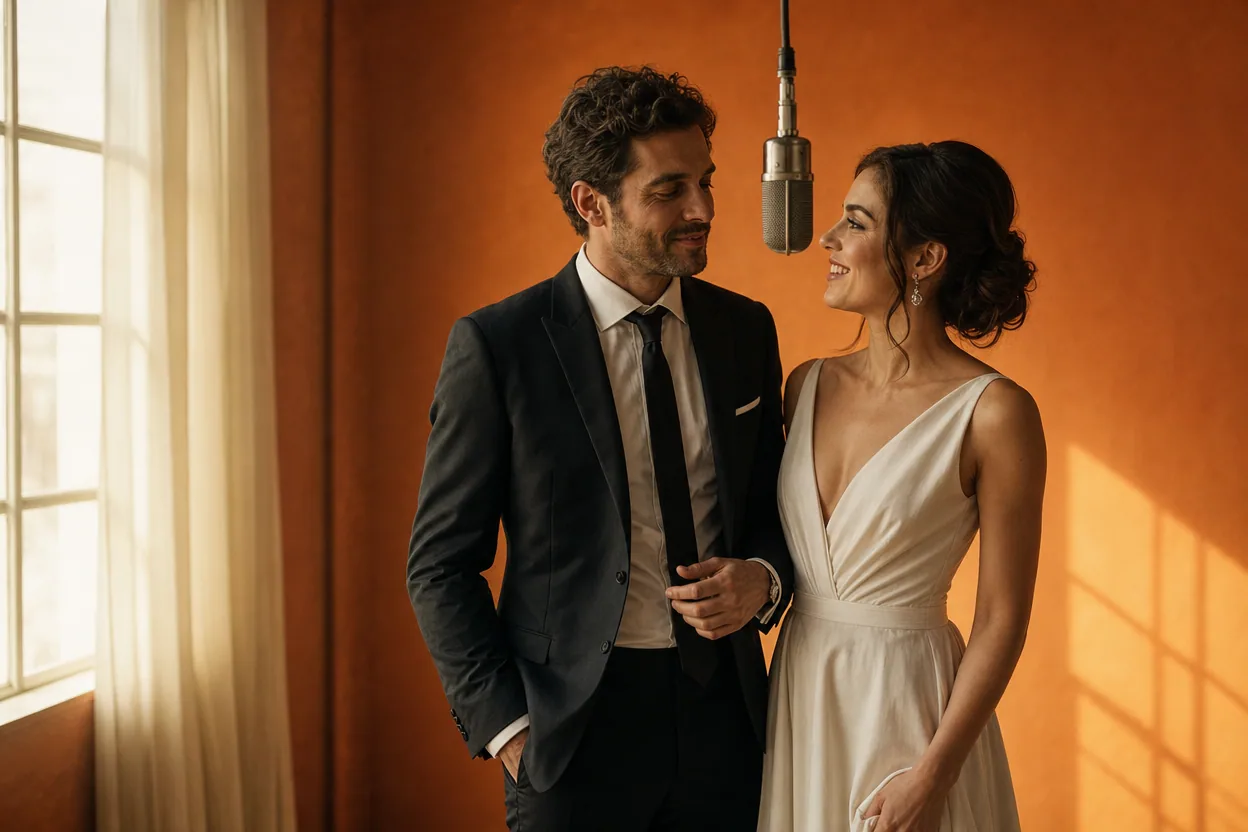
Wedding and couple keepsakes
Wedding Photo to Video
A wedding photo to video gives two formal portraits a shared moment of movement. You upload one photo of each person, choose a cinematic template, and the two faces are placed into the same short performance.
Open this use case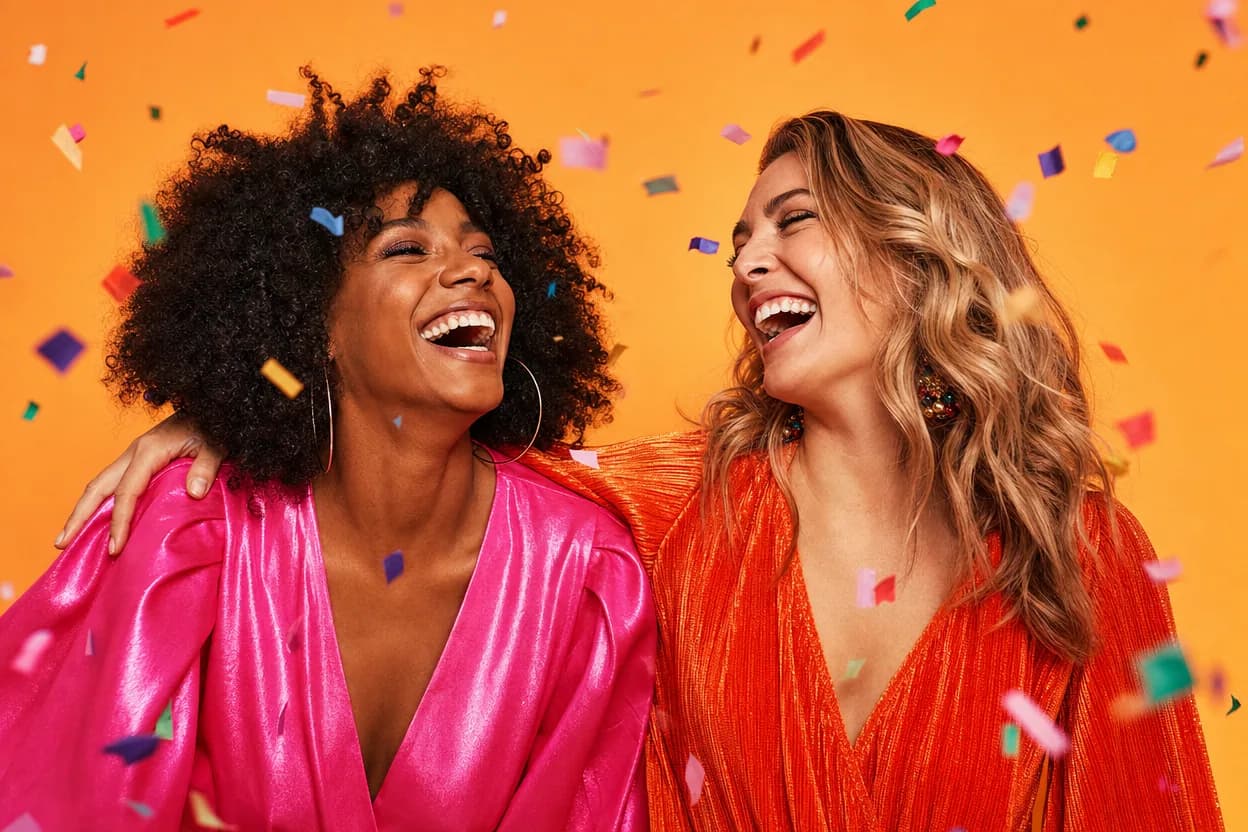
Birthday greetings
Birthday Photo to Video
A birthday photo to video lets two people share one short, upbeat clip without filming together. It works for a joint greeting, a long-distance message, or a playful post for someone who is hard to gather in one room.
Open this use case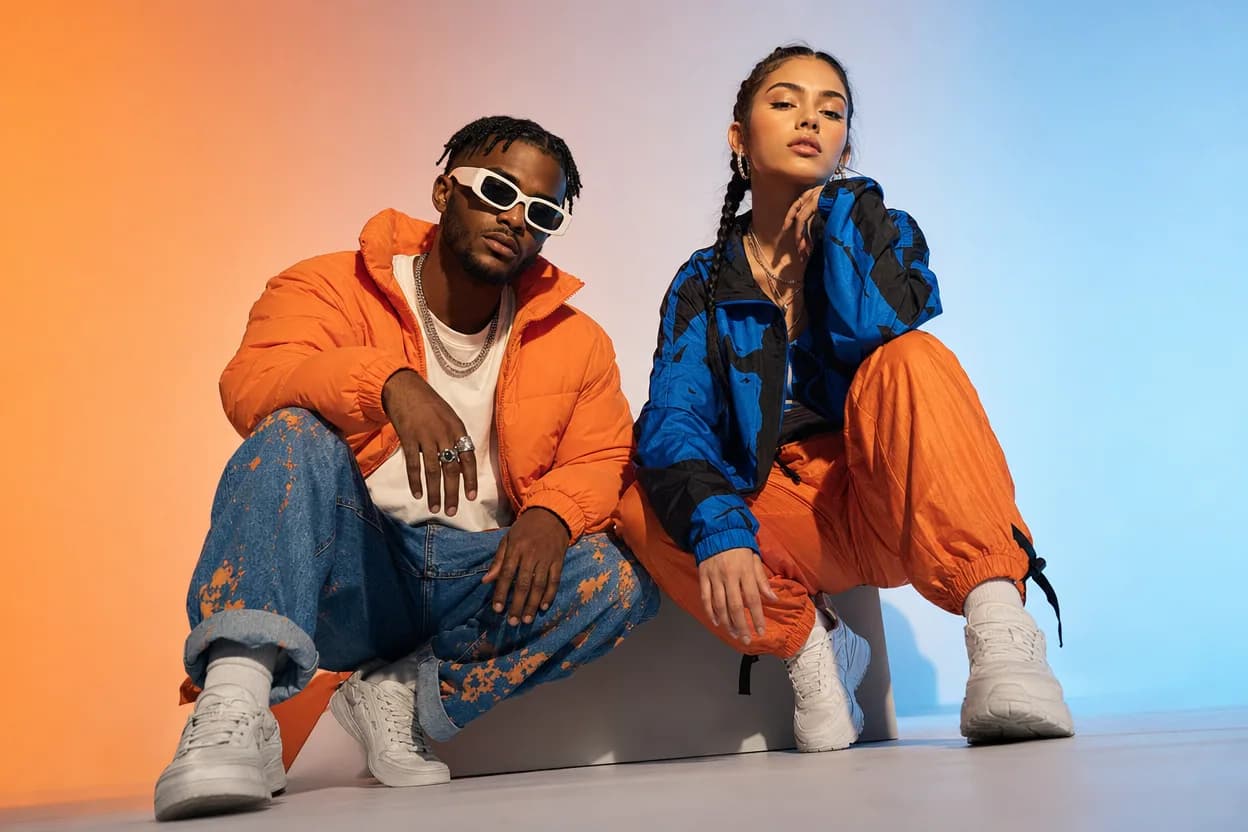
Social clips
Social Media Duo Video
A social media duo video is a short, shareable clip built from two portraits. It gives a post a moving visual without a shoot, a script, or a shared filming session.
Open this use caseRelated reading
ai dance video from photoAI Dance Video From Photo: Make a Moving Duo Clip
An energetic template plus two clear photos is enough to produce a dancing duo clip. Here is how to prepare photos for movement-heavy scenes.
 two person ai video generator
Two Person AI Video Generator: Make a Clip With Both of You
Want both people in the same moving scene without filming? A two person AI video generator uses one photo each and a preset template to do exactly that.
 ai video from two photos
AI Video From Two Photos: How to Bring a Pair To Life
Two photos are all you need to produce a moving duo clip. Here is how motion transfer works, what to upload, and how to pick a template that fits your pair.