ai dance video from photo
AI Dance Video From Photo: Make a Moving Duo Clip
Give a photo some rhythm.
Reviewed against the live product on 2026-10-03. The generator offers 480p or 720p, one photo per performer, and a template-set length.
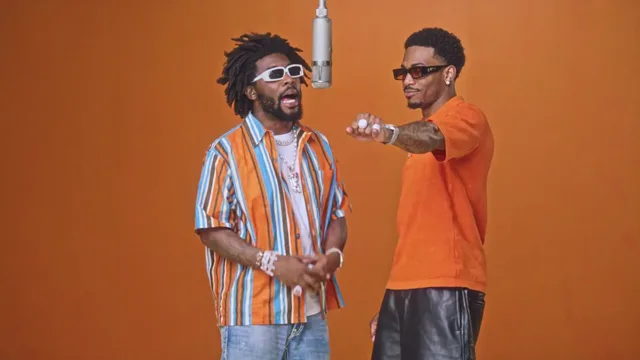
An AI dance video from photo starts with the same two ingredients as any generated clip: clear portraits and a template that carries the movement. What changes with dance-style scenes is the amount of movement, and that makes the photos matter more. More motion means more chances for a weak input to show.
The appeal is easy to understand. Dance footage normally needs people, a floor, a camera, and timing. A template collapses all of that. You bring the faces; the scene brings the rhythm and the choreography, and the result moves with a confidence no single photo could suggest on its own.
This guide covers which templates produce that kind of energy, how to choose photos that survive fast motion, and what to adjust if your first attempt looks less convincing than you hoped.
Make your video here
Choose one photo per performer, preview them and swap positions. Generation requires sign-in and uses your account credits. Use photos you have permission to upload.
Choose your performers
Clear front-facing photos work best — one person per image, no covered faces.
Two people performing a short studio duet, recast with your two photos.
Each generation uses credits from your balance.
Sign in to generate videos.
Signing in keeps selected photos in this browser for your return. The draft expires after 20 minutes and is removed on return or the next visit after expiry.
Template preview — your two photos replace these performers.
Preview and change the motion template
Classic Duo
Two people performing a short studio duet, recast with your two photos.
High Energy Duo
A faster, more upbeat two-person studio performance.
Soft Groove Duo
A slower, relaxed two-person studio groove.
Still to Motion
A still portrait brought into gentle motion.
Minimal Motion
Subtle movement with a minimal set and camera.
Kangaroo Boxer
A single boxing-kangaroo motion source from your provided material.
Duo Conversation
Two performers facing each other in a dialogue scene.
Cinematic Duo
A wider, more cinematic two-person framing.
Tools used in this guide
How a photo turns into a moving scene
The house style of template generation is motion transfer. A source clip supplies the movement, and your photos supply the people. For a dance-style result, that means the scene already contains a set piece with its own tempo and carriage, and the model rebuilds it around your faces.
You are not teaching the tool to dance. You are filling two performer slots in a scene that already moves. That is why there is no prompt to write and no choreography to describe — the movement is fixed by the template and repeats faithfully each time you run it.
Because the motion is real and continuous, the output reads as performance rather than as a looping animation. The camera holds a stable frame, the performers stay in place, and the timing comes from the source scene.
Choosing an energetic template
Hotel Lobby AI Video ships eight preset templates, and the energy differs sharply between them. High Energy Duo is the fastest and most upbeat option: a two-person studio performance built around visible, continuous movement. It is the natural pick when you want the clip to feel lively.
Soft Groove Duo slows the same idea into a relaxed two-person groove. It is a gentler rhythm rather than a burst of activity, which suits photos that feel calm and it can look more natural than a fast scene when the source photos are not perfect. Classic Duo sits in the middle as a balanced studio duet.
For a staged, relationship-driven moment, Duo Conversation places the two performers facing each other, and Cinematic Duo pulls the frame back for a wider look. Both are two-person templates, so they work with a pair of photos even though their energy is more composed than High Energy Duo.
- High Energy Duo — the most upbeat, movement-forward two-person scene.
- Soft Groove Duo — a slower, relaxed groove for a calmer feel.
- Classic Duo — a balanced studio duet, a safe starting point.
- Duo Conversation and Cinematic Duo — more composed, film-like framing.
Photos that hold up under fast motion
Movement exposes detail. A face that looks fine in a still image can lose its likeness once it is turning, leaning, and shifting frame after frame. The way to guard against that is to start with a photo that gives the model the clearest possible read of the face.
Front-facing angles work best, because a straight-on view shows the geometry of a face without foreshortening it. Even lighting runs a close second: soft, flat light gives the model stable information, while a harsh shadow across one side creates a problem the model has to compensate for while the scene is also moving.
Size and sharpness complete the picture. A high-resolution portrait with the head fully inside the frame preserves detail through the render. A small face lost inside a wide shot, or a heavily compressed image, leaves the model with less to work from and the result reflects that.
- One clearly visible subject per photo.
- Straight-on angle rather than a strong profile.
- Soft, even lighting with no deep shadow across the face.
- A sharp, reasonably large file — JPG, PNG, or WebP up to 10 MB.
Fixing a result that falls short
If the clip looks less like the two people than you expected, the photo is almost always the first place to look. Check whether the face was small, angled, shadowed, or partly hidden, then replace that upload with a clearer portrait and re-run. Improving the weaker photo lifts the whole scene.
If the energy feels wrong rather than the likeness, the fix is a different template. The same two faces will read very differently in High Energy Duo than in Soft Groove Duo. A quick 480p pass across two candidates is usually faster than trying to predict which one suits your photos.
If the two performers look mismatched — one sharp and bright, the other dim and distant — that is a pairing problem rather than a rotation problem. Bring both uploads into similar lighting and similar framing, and the scene will look more like a shared moment.
A quick workflow
Everything happens on a single page. Open the generator at the #generator anchor on the home page, add your photos, and choose the scene you want.
- Upload Photo A and Photo B, one per performer.
- Use Swap if you want them on opposite sides.
- Choose an energetic template such as High Energy Duo.
- Start with 480p to check the fit, then re-run at 720p for the final file.
- Wait for the status to finish, preview the clip, and download the MP4.
Using the clip well
A dancing clip is short and self-contained, which is exactly what most social formats want. Because the template sets the length, there is no duration setting to tune — the scene determines how long the video runs, and it is built to hold attention without a long runtime.
The file you download is a standard MP4 that plays anywhere. If a particular platform wants a different aspect ratio or a tighter crop, you can adjust it in an editor you already use, but the clip works as-is for ordinary playback and sharing.
One last note that applies to any generated video of real people: use photos you have the right to use, and check that the other person is happy with the result before it goes public. The clip is more fun when nobody has a reason to object to it.
Frequently asked questions
Can I make a dance video from a single photo?
A single-performer template like Kangaroo Boxer is built for one photo. Most dance-style duo scenes expect two photos, one for each performer.
Do I need to describe the dance in a prompt?
No. The preset template already contains the movement, so you choose a scene rather than writing a description.
Which template is the most energetic?
High Energy Duo is the fastest and most upbeat two-person scene. Soft Groove Duo is the calmer alternative.
Why does my clip look less like the original photos?
Fast motion exposes weak inputs. Replace any photo where the face is small, angled, shadowed, or partly hidden with a clearer, front-facing portrait.
What resolution should I use for a dancing clip?
Test at 480p to compare templates quickly, then re-run your favorite at 720p for a sharper final video.
What file formats can I upload?
JPG, PNG, and WebP images up to 10 MB each are accepted.
Pick the moment
Each use case opens the same real generator with a template chosen for that occasion.
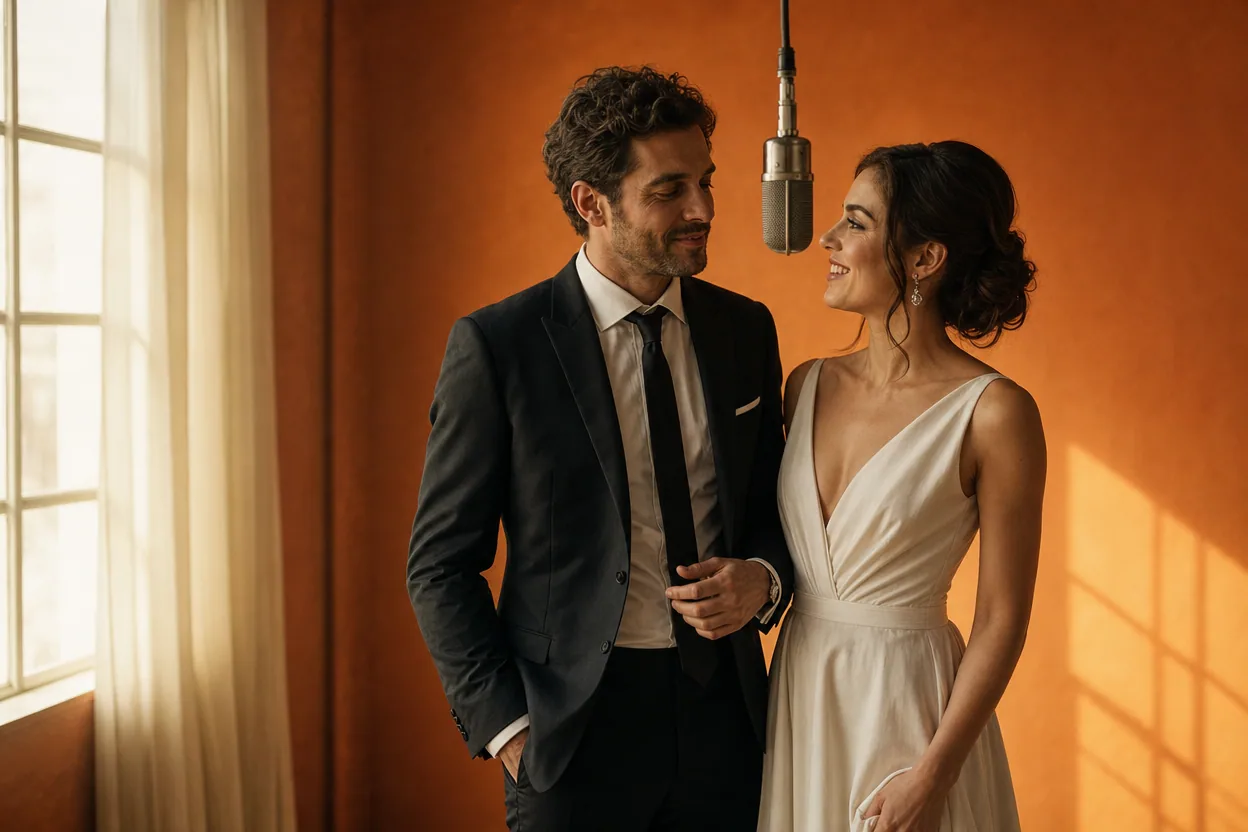
Wedding and couple keepsakes
Wedding Photo to Video
A wedding photo to video gives two formal portraits a shared moment of movement. You upload one photo of each person, choose a cinematic template, and the two faces are placed into the same short performance.
Open this use case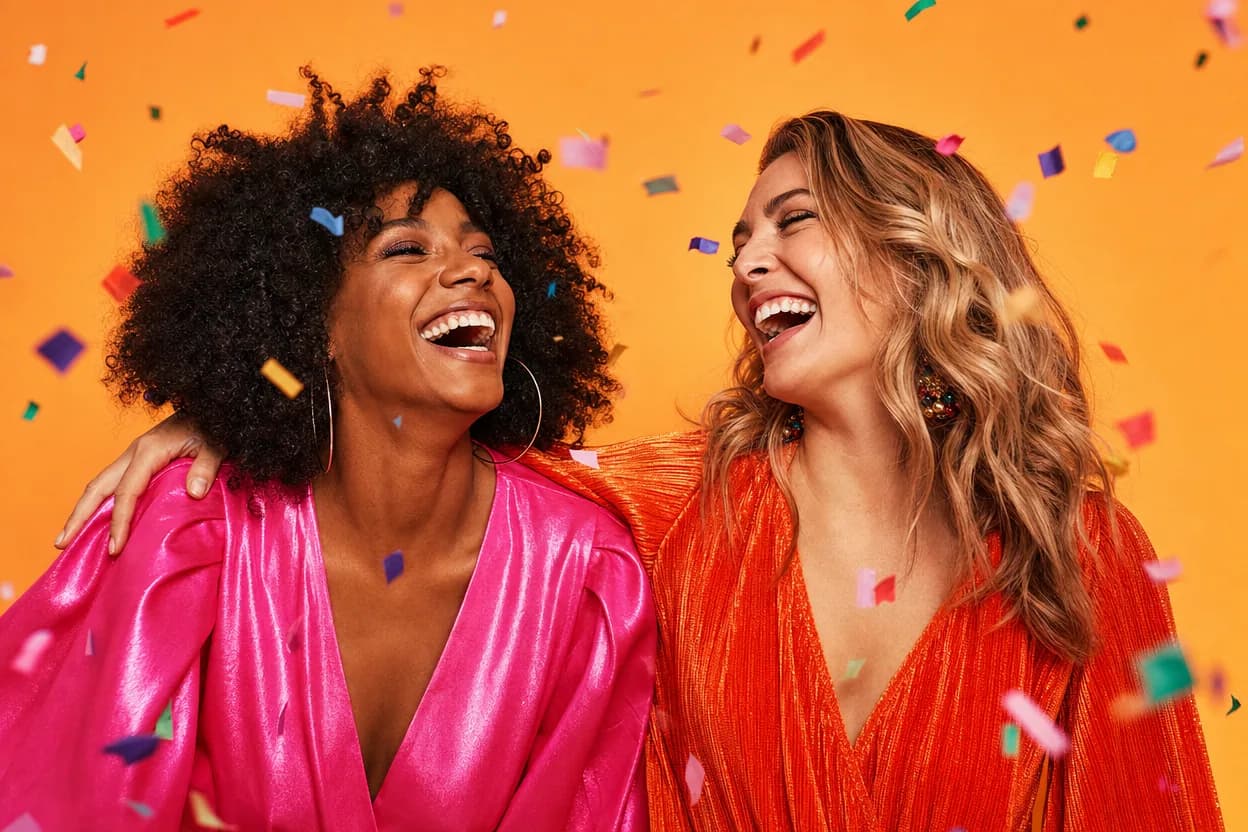
Birthday greetings
Birthday Photo to Video
A birthday photo to video lets two people share one short, upbeat clip without filming together. It works for a joint greeting, a long-distance message, or a playful post for someone who is hard to gather in one room.
Open this use case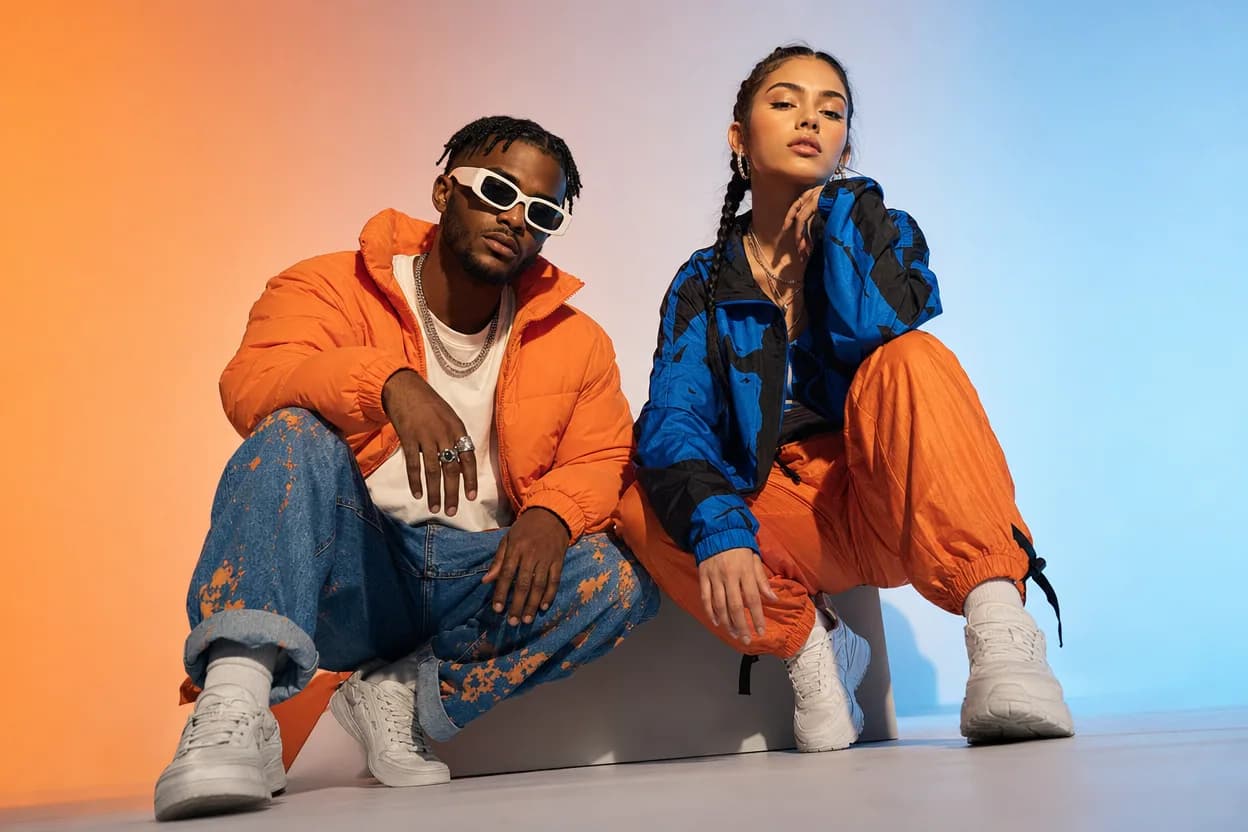
Social clips
Social Media Duo Video
A social media duo video is a short, shareable clip built from two portraits. It gives a post a moving visual without a shoot, a script, or a shared filming session.
Open this use caseRelated reading
 ai duo dance video
AI Duo Dance Video: Put Two People in the Same Routine
A duo dance video needs both people in the same scene from the first frame. Here is how two-photo generation keeps a pair synchronized.
 ai motion transfer video
AI Motion Transfer Video: How Movement Moves Between People
Motion transfer is the engine behind template-based video generation. Here is how a source scene's movement ends up in a clip built from your photos.
two person ai video generatorTwo Person AI Video Generator: Make a Clip With Both of You
Want both people in the same moving scene without filming? A two person AI video generator uses one photo each and a preset template to do exactly that.