photo to video ai free
Photo to Video AI Free: What You Can Actually Make
Prepare both photos free. Pay when you generate.
Reviewed against the live product on 2026-10-20. The generator offers 480p or 720p, one photo per performer, and a template-set length.
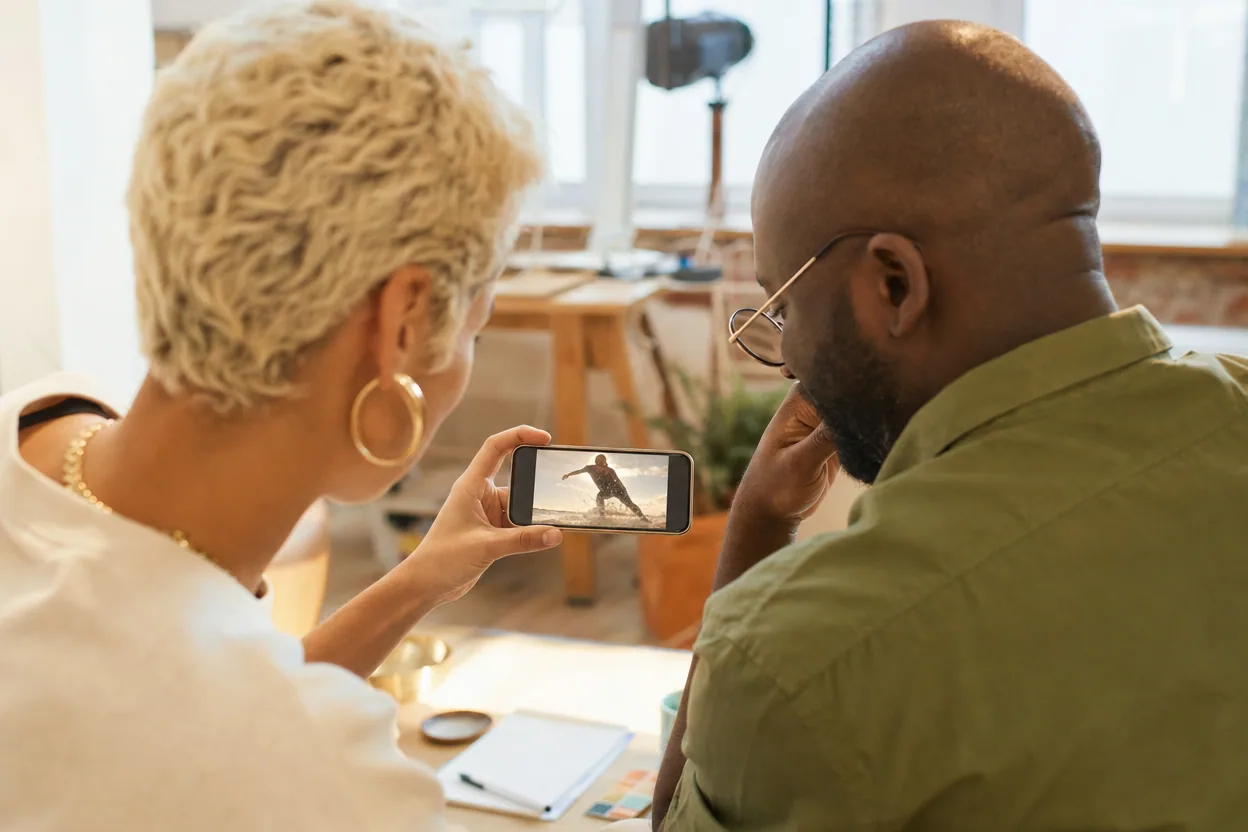
Photo to video AI searches usually hide a simple question: what does free actually include? Some tools offer a watermark-free demo, some give a short preview, and some give a small credit balance that covers one generation. The answer matters because a video render can cost more than an image edit, and a free trial that cannot produce a usable file is not really free.
This guide is about the practical version of free. It explains what a two-photo duo clip can make, what free tools actually include, and how to judge a result before you spend money. It also explains when paying is the honest choice.
One thing to be clear about up front: this site does not run a free-credit promotion. A new account starts at 0 credits. The first video is a one-time $4.90 purchase for 600 credits, one video costs 80 credits at either 480p or 720p, and that pack covers seven videos. No subscription is required.
Make your video here
Choose one photo per performer, preview them and swap positions. Generation requires sign-in and uses your account credits. Use photos you have permission to upload.
Choose your performers
Clear front-facing photos work best — one person per image, no covered faces.
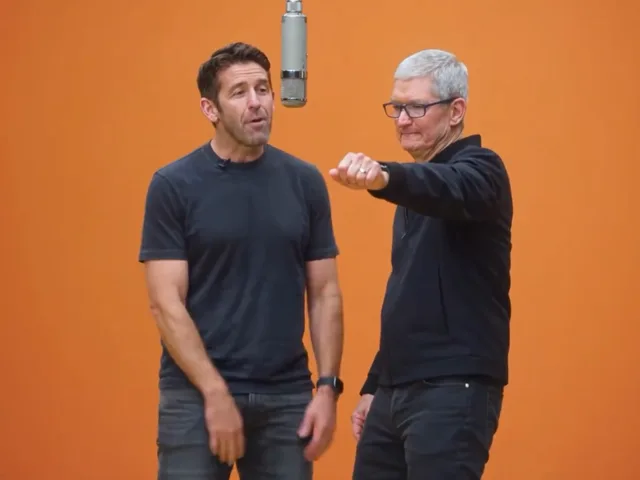
Two people performing a short studio duet, recast with your two photos.
Each generation uses credits from your balance.
Sign in to generate videos.
Signing in keeps selected photos in this browser for your return. The draft expires after 20 minutes and is removed on return or the next visit after expiry.
Template preview — your two photos replace these performers.
Preview and change the motion template
Classic Duo
Two people performing a short studio duet, recast with your two photos.
High Energy Duo
A faster, more upbeat two-person studio performance.
Soft Groove Duo
A slower, relaxed two-person studio groove.
Still to Motion
A still portrait brought into gentle motion.
Minimal Motion
Subtle movement with a minimal set and camera.
Kangaroo Boxer
A single boxing-kangaroo motion source from your provided material.
Duo Conversation
Two performers facing each other in a dialogue scene.
Cinematic Duo
A wider, more cinematic two-person framing.
Tools used in this guide
What free photo-to-video AI usually means
Free can mean four different things. It can mean a watermark on the output. It can mean a low-resolution preview and a paid download. It can mean a small number of credits that expire. Or it can mean a genuinely usable first generation, with a paid path for more. The label is the same; the experience is not.
Before you upload a photo, check three things: whether the output has a watermark, whether you can download the file, and what resolution you get. A free preview that cannot be downloaded is useful for judging the format, but it is not a free video.
This product does not add a watermark to the downloaded MP4. There is no free credit grant: the entry pack is a one-time $4.90 for 600 credits, which is seven 80-credit generations at 480p or 720p. The clip's length comes from the template, not from a duration slider.
- Check the download, not just the preview.
- Check that a free tier can export one complete file.
- Check the resolution before you plan to post the result.
- Check what happens when a generation fails.
What you can make with two photos
The format is specific: two people, one photo each, one preset scene. You are not describing a movie in a text box. You are choosing a template that already contains a performance, then placing two faces into it. That is why the result can look like a shared scene without a shoot.
The best first test is a simple, front-facing portrait for each person, similar lighting, and a template with calm movement. If that works, try a more energetic template. If the first result looks wrong, the problem is usually the photos rather than the template.
This is not a full video editor. It does not cut a long clip, sync music, add captions, or generate a vertical export. It produces one MP4 from two photos. Plan the rest of the edit around that fact.
The limits worth knowing before you start
The template controls the scene and the length, so there is no duration selector. The generator offers 480p and 720p, not 1080p. It does not add the original Hotel Lobby song or any other music. Likeness can vary, especially when a face is turned to the side or the two subjects overlap.
Those limits are not hidden. They are the reason the workflow is short. You are trading a full editing suite for a preset pipeline that can produce a usable clip in a few minutes. If you need frame-accurate control, this is the wrong tool; if you need a shareable two-person moment from photos, it is a focused one.
The output is also not a guarantee that the people will look exactly like their photos. Review the clip before you send or post it. A failed or cancelled generation returns its credits automatically.
A sensible first-run workflow
Start with two photos that already look like the people. Crop each one to a square, center the face, and lift any heavy shadow. Use the photo prep studio if you want to do that in the browser. Then upload the prepared files to the generator.
Choose a calm template for the first run and 480p for the test. Watch the status rather than reloading the page. When the clip is ready, check the face, the hands, and the background. If the result is close but the scene is wrong, try a different template with the same photos. If the faces are wrong, improve the photos before spending another generation.
Only move to 720p when the composition works. That saves the higher-resolution run for the version you actually want to keep.
- Prepare both photos before the first render.
- Test at 480p with a calm template.
- Judge the face and the scene separately.
- Re-run the winner at 720p.
When paying is the honest choice
One generation is enough to test the format, not to run a content calendar. If you need several versions for a client, a family project, or a social series, buy a pack that matches the number of runs you expect. One video is 80 credits; the $4.90 entry pack is 600 credits, which covers seven videos.
Do not buy a subscription just because it looks cheaper per credit if you only need one clip. The pricing page shows both one-time packs and subscription options. Choose the smallest thing that covers the job, and keep the failed-run policy in mind: a failed or cancelled generation returns its credits.
The honest test is simple: did the first generation produce something you would actually share? If yes, more generations are a reasonable next step. If no, fix the photos or choose a different format before you spend more.
How to judge the result
Look at the face first. Is the person recognizable? Are the eyes and mouth stable? Then look at the body. Are the hands and shoulders plausible? Finally, look at the scene. Does the movement match the template, and is the lighting consistent?
A clip can be technically finished and still be a bad fit. If the template's energy fights the photos, the result will feel off even when the face is accurate. Try a calmer scene or a different pair of photos. The template is a creative choice, not a quality setting.
Finally, check the context. If you plan to post the clip, make sure everyone in it is comfortable and that the caption does not present an AI clip as real footage. Clear labeling is part of a good result.
Frequently asked questions
Is there a genuinely free photo to video AI?
Free usually means a limited allowance, a preview, or a watermarked output. This site does not include free credits: a new account starts at 0 credits, and the entry pack is a one-time $4.90 for 600 credits (seven 80-credit videos).
How many free videos can I make?
None on a new account, because there is no free credit grant. The entry pack is 600 credits and one video uses 80, so a single $4.90 pack covers seven generations.
Do the downloaded videos have a watermark?
The downloaded MP4 does not have a product watermark added by this site. Do not add third-party logos you do not own.
What resolution can I download?
480p or 720p. The template sets the length, and there is no separate duration selector.
Can I use the result commercially?
Review the Terms of Service for the current license terms. You also need the rights to the photos and any audio you add.
What happens if a generation fails?
If a generation fails or is cancelled after consuming credits, those credits are returned to your account automatically.
Pick the moment
Each use case opens the same real generator with a template chosen for that occasion.
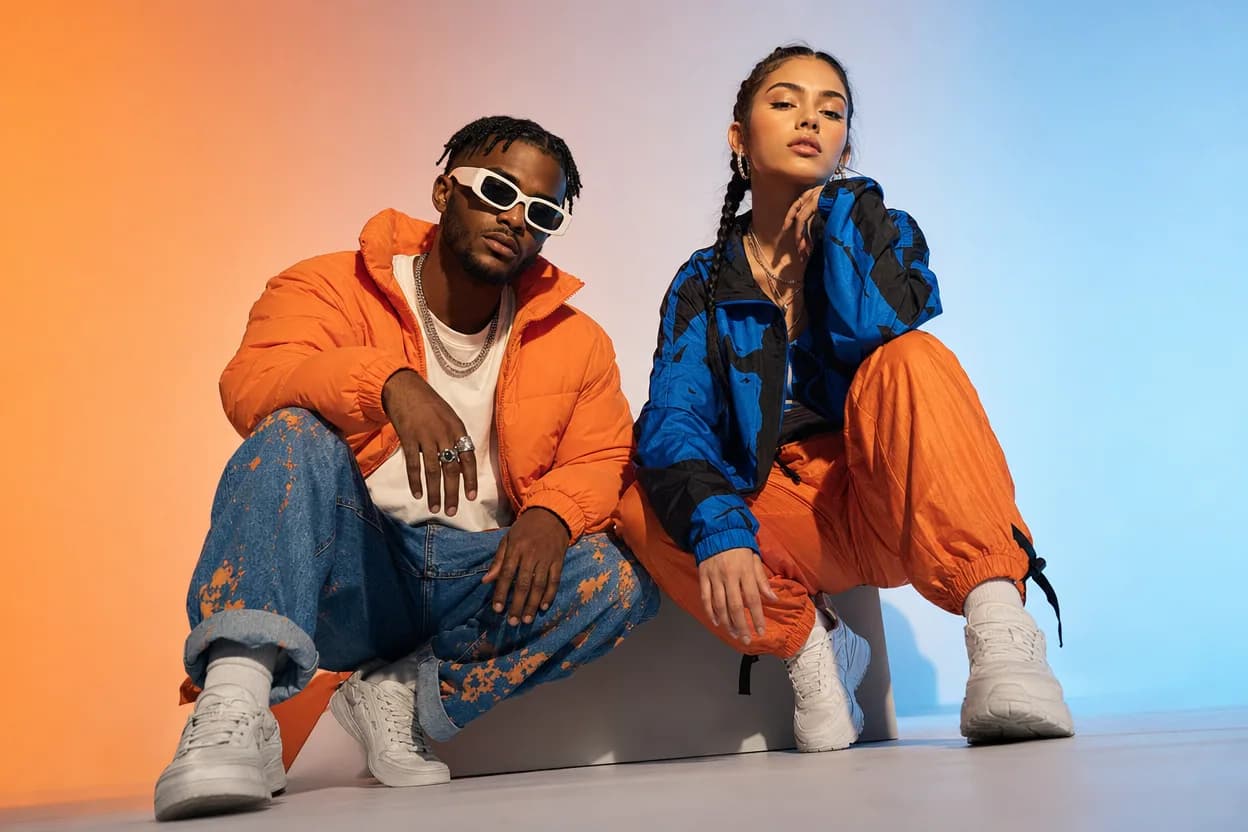
Social clips
Social Media Duo Video
A social media duo video is a short, shareable clip built from two portraits. It gives a post a moving visual without a shoot, a script, or a shared filming session.
Open this use case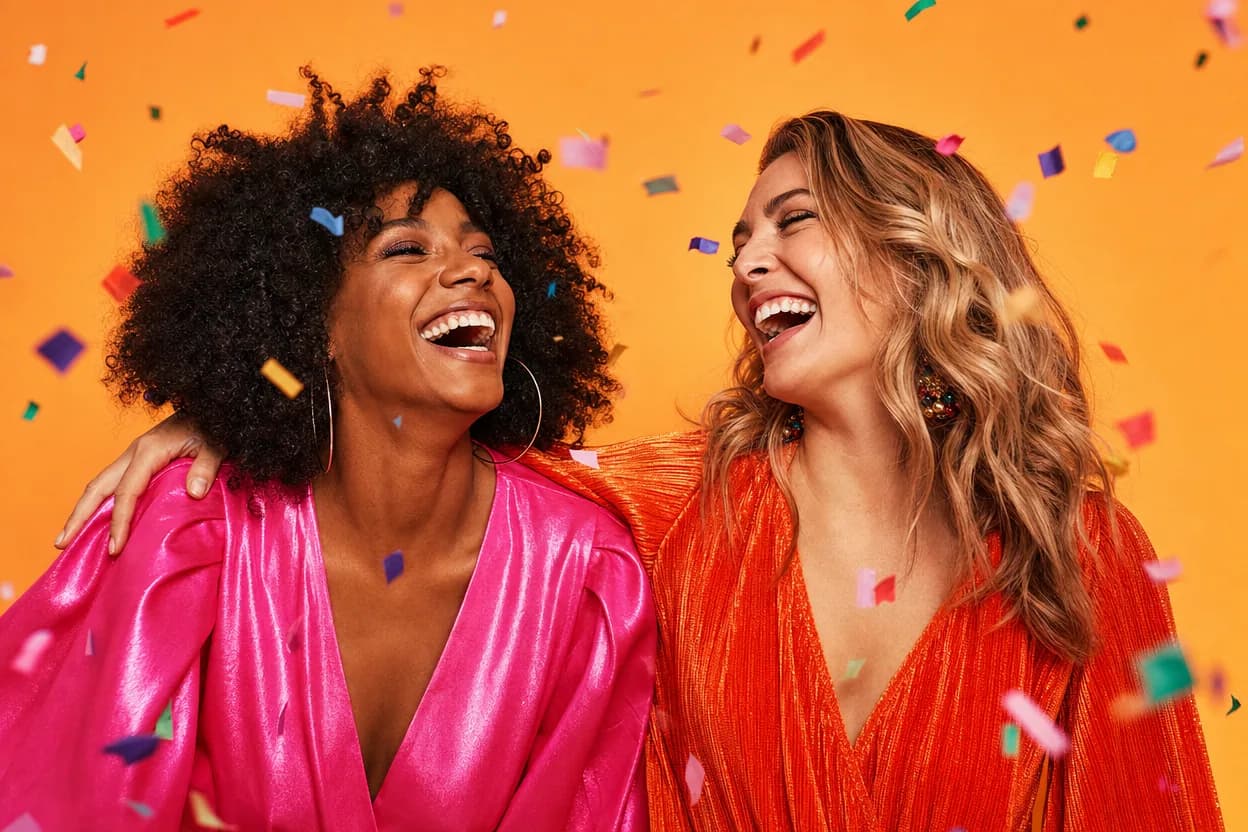
Birthday greetings
Birthday Photo to Video
A birthday photo to video lets two people share one short, upbeat clip without filming together. It works for a joint greeting, a long-distance message, or a playful post for someone who is hard to gather in one room.
Open this use case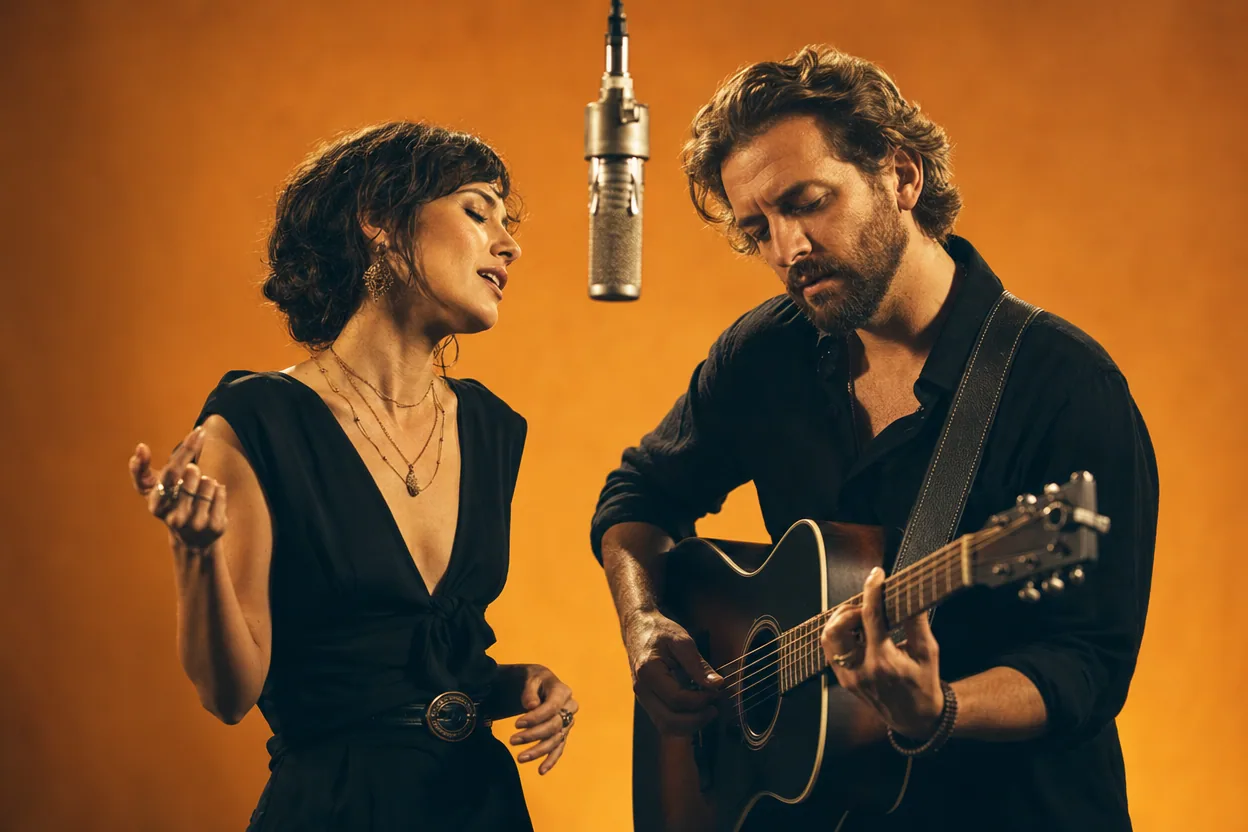
Trend explainers
Hotel Lobby Trend Video
The Hotel Lobby trend is a short AI video format where two people are placed into a shared performance scene. This page explains what the trend is, how to make a version from two photos, and what the result does not include.
Open this use caseRelated reading
 photo to video ai
Photo to Video AI: How Still Images Become Moving Clips
Photo to video AI is a broad category with two very different engines inside. Learn how each one works and how to pick the right job for your image.
 best ai video generator from photos
Best AI Video Generator From Photos: How to Judge One
The best AI video generator from photos is the one that matches your job. Use this checklist to tell a real two-photo pipeline from a single-image animation.
 ai duo video photo checklist
Fix an AI Duo Video: A Practical Photo and Result Checklist
A repeatable way to prepare portraits and diagnose a weak result without blindly regenerating the same clip.