two person ai video generator
Two Person AI Video Generator: Make a Clip With Both of You
Both of you, in one scene, from two photos.
Reviewed against the live product on 2026-10-01. The generator offers 480p or 720p, one photo per performer, and a template-set length.
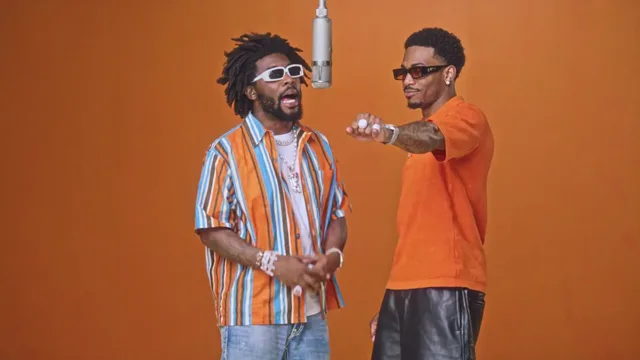
A two person AI video generator solves a specific problem: you want both of you in the same clip, but you have no footage of the two of you together. Maybe one of you is far away, maybe you never got around to filming anything, or maybe you simply have a pair of photos you like. The generator takes one photo per person and places both into a single moving scene.
The key word is both. Plenty of tools animate one face at a time, which means you end up with two separate clips you can never quite pair up. A duo generator keeps two performers in frame at once, moving within one scene, so the result reads as a shared moment rather than two unrelated animations.
This guide walks through what makes two-person generation different, which situations it fits, how to prepare the two photos, and what to check when a result does not look the way you hoped.
Make your video here
Choose one photo per performer, preview them and swap positions. Generation requires sign-in and uses your account credits. Use photos you have permission to upload.
Choose your performers
Clear front-facing photos work best — one person per image, no covered faces.
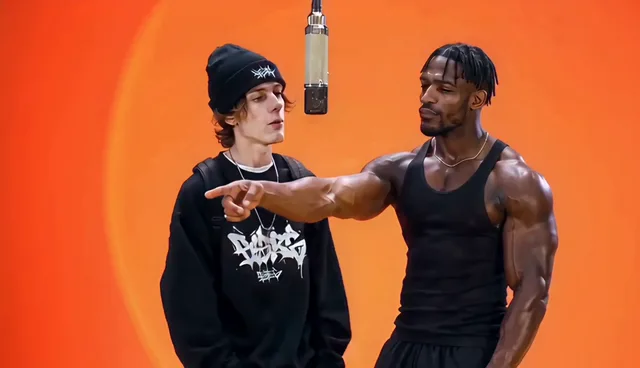
Two people performing a short studio duet, recast with your two photos.
Each generation uses credits from your balance.
Sign in to generate videos.
Signing in keeps selected photos in this browser for your return. The draft expires after 20 minutes and is removed on return or the next visit after expiry.
Template preview — your two photos replace these performers.
Preview and change the motion template
Classic Duo
Two people performing a short studio duet, recast with your two photos.
High Energy Duo
A faster, more upbeat two-person studio performance.
Soft Groove Duo
A slower, relaxed two-person studio groove.
Still to Motion
A still portrait brought into gentle motion.
Minimal Motion
Subtle movement with a minimal set and camera.
Kangaroo Boxer
A single boxing-kangaroo motion source from your provided material.
Duo Conversation
Two performers facing each other in a dialogue scene.
Cinematic Duo
A wider, more cinematic two-person framing.
Tools used in this guide
What separates a duo generator from a single-photo tool
A single-photo tool only ever has one subject to track. That makes its job easier, but it also means the output is inherently solo. A two-person pipeline has to hold two identities at once: it maps one photo to the left performer and one to the right, then keeps them distinct for every frame of the scene.
That extra work is why the input rules are stricter. The tool wants two clean portraits rather than one crowded group shot, because two separate uploads give each performer a stable identity. When both faces arrive in the same image, the model has to decide where one person ends and the other begins, and that guesswork shows in the final clip.
The upside is a scene built for two. Duet templates are staged so both performers matter: they face each other, share the frame, and move through the same beat. You are not pasting two solo clips side by side; you are filling two roles in one staged piece.
- Two uploads, two performer slots, one shared scene.
- Each face keeps its own identity throughout the clip.
- Duet templates are composed for two people rather than one.
- The output is a single MP4, not two clips to join later.
Good fits for a two-person video
The format suits anything where the pairing is the point. Couples use it to turn a favorite photo of each partner into a shared clip. Friends use it for a lighthearted duo moment. Siblings, bandmates, and colleagues all map cleanly onto the same shape: two people, one scene.
It also helps when distance is a factor. If the two of you have never stood in the same room for a photo, the generator does not care. Each portrait is handled on its own, so the two people can be photographed in different places, at different times, on different phones.
Finally, it works as a low-pressure way to test an idea. Because there is no shoot and no editing, you can try a template, see how the pair reads, and try another. That iteration is normally the expensive part of video, and here it takes minutes.
Preparing the two photos
Think of the two uploads as casting two roles. Each role needs a face the model can read clearly, so start by picking photos where each person is the obvious subject. A portrait with one person, a straight-on angle, and even light is close to ideal. Outdoors on an overcast day or indoors near a window both tend to work well.
Watch for anything that hides the face: sunglasses, a mask, a hand, or a heavy shadow across one side. These do not always ruin a clip, but they reliably reduce how much the result resembles the original photo. A hat is usually fine as long as the face stays visible.
Then compare the two photos to each other. Similar framing and similar lighting keep the pair balanced. If one is a bright close-up and the other is a dark shot from across a room, the mismatch is visible in the final scene. Swapping in a better version of the weaker photo is the single most effective upgrade.
- One clearly visible subject per photo.
- Straight-on or near-straight-on angle.
- Even lighting without harsh shadows across the face.
- Head and shoulders fully inside the frame.
- JPG, PNG, or WebP, up to 10 MB each.
Choosing a duo template
Hotel Lobby AI Video ships eight preset templates, and six of them are staged for two performers. Choosing among them is mostly a matter of mood. Classic Duo is the balanced default: two people in a short studio duet, framed so both read clearly. High Energy Duo is faster and more upbeat. Soft Groove Duo slows the same idea down into something more relaxed.
For a more staged feel, Duo Conversation puts the two performers facing each other as if in dialogue, which emphasizes the relationship rather than the movement. Cinematic Duo pulls the camera back for a wider, more film-like framing that gives the pair more space in the scene.
Two templates are not duets, and it is worth knowing which. Still to Motion centres on a single still portrait brought into gentle motion, and Kangaroo Boxer is a single-performer source. If you want both of you on screen together, stay with the duet templates.
The generation flow
Everything happens on one page at the #generator anchor on the home page. Load your two photos into the slots, pick the template, and start the render. There is no prompt to write and no timeline to edit.
- Upload Photo A and Photo B, one per performer.
- Use Swap if you want them in the other order.
- Pick a duo template that matches the mood.
- Select 480p for a quick look or 720p for a sharper file.
- Generate, wait for the status to finish, then preview and download.
When the result is not quite right
If the two people look unbalanced, the photos are usually the cause rather than the template. Check the lighting and framing of each upload and replace the weaker one. If a face looks less like the original than you expected, look for hidden features — a shadow, a turned head, or a small face in the frame — and try a clearer portrait.
If the mood feels off, the fix is a different template rather than a different photo. The same two faces read very differently in a fast scene versus a slow one. Running a quick 480p pass on a second template is often faster than trying to reason your way to the right choice.
If a generation fails outright, there is nothing to fix on your end: the credits for a failed or cancelled run return to your account automatically, and you can simply start again.
Before you share it
A two-person video involves two people, so a moment of thought before posting goes a long way. Make sure both people are happy to appear in a generated clip, and use photos you have the right to use. If the clip is a gift, that is easy. If it is going somewhere public, a quick check with the other person is both respectful and practical.
Once you are ready, the MP4 downloads like any other video. The template sets the length, so if a particular app wants a shorter clip you can trim it with the editor you already have — but the file works as-is everywhere a standard video plays.
Frequently asked questions
Can I put two people in one AI video from photos?
Yes. Upload one photo per performer and choose a duet template. The generator keeps both faces in the same scene for the whole clip.
Do both photos have to be taken in the same place?
No. Each photo is handled on its own, so the two people can be photographed in different locations and at different times.
Should I use one group photo of the two of us instead?
No. Two separate portraits give each performer a clean identity, while a single group photo forces the model to separate the faces by itself.
Which templates are made for two people?
Classic Duo, High Energy Duo, Soft Groove Duo, Still to Motion, Minimal Motion, Duo Conversation, and Cinematic Duo are staged for a pair. Kangaroo Boxer is single-performer.
Can I switch which person appears on which side?
Yes. Use Swap before generating to exchange the left and right performer slots.
How long does the finished video run?
The preset template sets the length of the clip, so there is no separate duration setting to choose.
Pick the moment
Each use case opens the same real generator with a template chosen for that occasion.
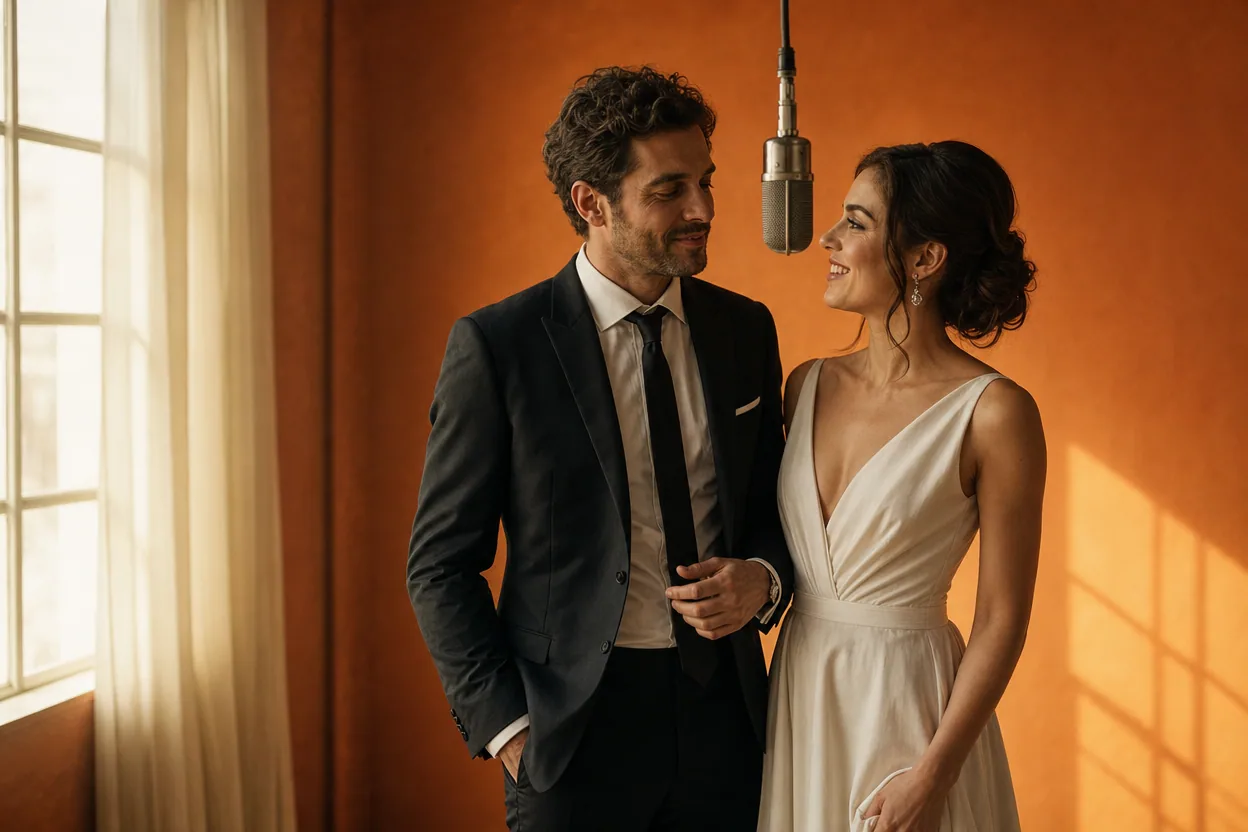
Wedding and couple keepsakes
Wedding Photo to Video
A wedding photo to video gives two formal portraits a shared moment of movement. You upload one photo of each person, choose a cinematic template, and the two faces are placed into the same short performance.
Open this use case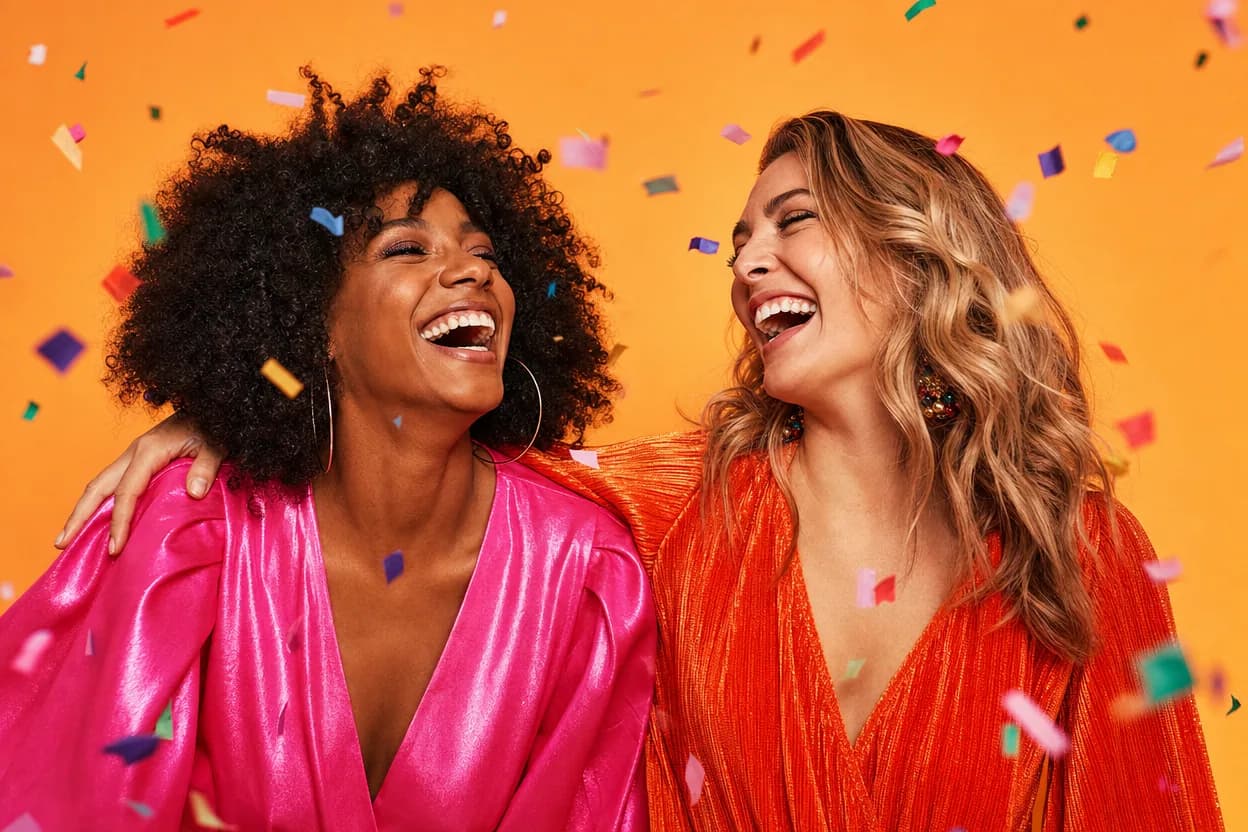
Birthday greetings
Birthday Photo to Video
A birthday photo to video lets two people share one short, upbeat clip without filming together. It works for a joint greeting, a long-distance message, or a playful post for someone who is hard to gather in one room.
Open this use case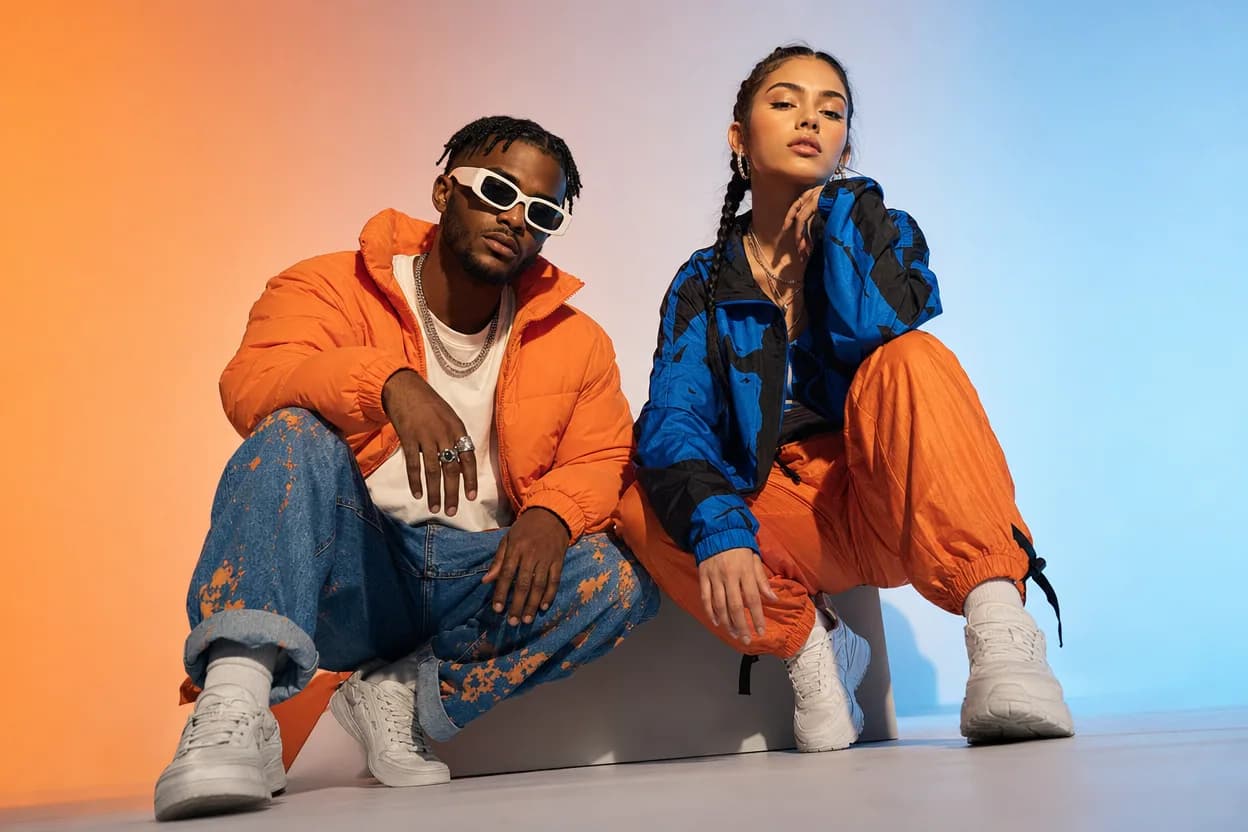
Social clips
Social Media Duo Video
A social media duo video is a short, shareable clip built from two portraits. It gives a post a moving visual without a shoot, a script, or a shared filming session.
Open this use caseRelated reading
 ai video from two photos
AI Video From Two Photos: How to Bring a Pair To Life
Two photos are all you need to produce a moving duo clip. Here is how motion transfer works, what to upload, and how to pick a template that fits your pair.
 ai duo dance video
AI Duo Dance Video: Put Two People in the Same Routine
A duo dance video needs both people in the same scene from the first frame. Here is how two-photo generation keeps a pair synchronized.
 photo to video ai
Photo to Video AI: How Still Images Become Moving Clips
Photo to video AI is a broad category with two very different engines inside. Learn how each one works and how to pick the right job for your image.