ai motion transfer video
AI Motion Transfer Video: How Movement Moves Between People
Borrow the movement, keep your face.
Reviewed against the live product on 2026-10-02. The generator offers 480p or 720p, one photo per performer, and a template-set length.
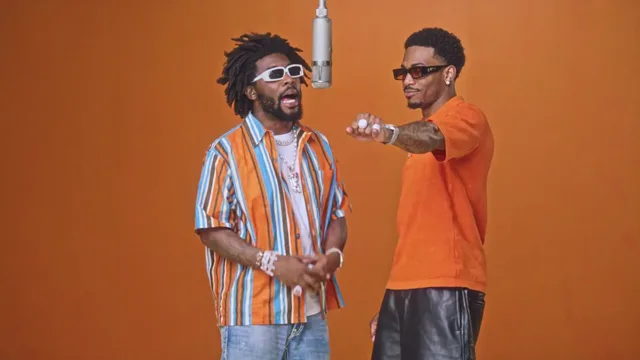
AI motion transfer video is the technique that lets movement travel from one performance to another. A source scene provides the motion — where bodies move, how the camera travels, how the timing lands — and a photo or set of photos provides the identity. Put the two together and you get a clip where your face performs someone else's choreography.
This is the mechanism behind preset templates. When a tool lets you pick a scene instead of writing a prompt, motion transfer is usually what is doing the work. The template is a licensed source clip; your uploads are the new performers.
Understanding motion transfer helps you get better results, because it clarifies what the tool can and cannot change. It also raises the ethical questions that come with generating a moving image of a real person, and those are worth answering before you post anything.
Make your video here
Choose one photo per performer, preview them and swap positions. Generation requires sign-in and uses your account credits. Use photos you have permission to upload.
Choose your performers
Clear front-facing photos work best — one person per image, no covered faces.
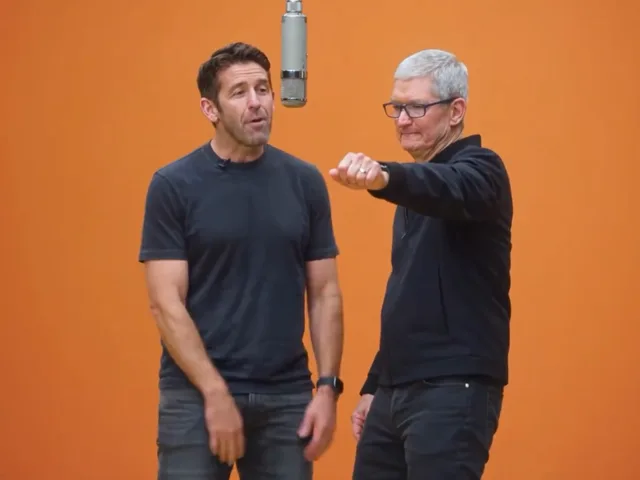
Two people performing a short studio duet, recast with your two photos.
Each generation uses credits from your balance.
Sign in to generate videos.
Signing in keeps selected photos in this browser for your return. The draft expires after 20 minutes and is removed on return or the next visit after expiry.
Template preview — your two photos replace these performers.
Preview and change the motion template
Classic Duo
Two people performing a short studio duet, recast with your two photos.
High Energy Duo
A faster, more upbeat two-person studio performance.
Soft Groove Duo
A slower, relaxed two-person studio groove.
Still to Motion
A still portrait brought into gentle motion.
Minimal Motion
Subtle movement with a minimal set and camera.
Kangaroo Boxer
A single boxing-kangaroo motion source from your provided material.
Duo Conversation
Two performers facing each other in a dialogue scene.
Cinematic Duo
A wider, more cinematic two-person framing.
Tools used in this guide
Motion transfer in one picture
Imagine two layers. The bottom layer is movement: a ten-second performance, captured on camera, with a fixed frame and a clear rhythm. The top layer is identity: the face and appearance of a person, captured in a photo. Motion transfer rebuilds each frame of the bottom layer so that it shows the person from the top layer, while preserving the movement exactly as it was.
The result is not a face pasted onto a video. A paste would look flat and would break the moment the head turns. Real motion transfer generates new frames, so lighting, hair, and expression move with the scene. That is why a good result reads as a performance rather than an edit.
Because movement and identity are separate, they can be swapped independently. Change the template and the same person performs a different scene. Keep the template and change the photo, and the scene runs again with a new face. That flexibility is the whole reason templates exist as a product feature.
What a motion transfer tool needs from you
Far less than you might guess. You do not provide footage, a script, or a description of the movement. You provide identity, which means a photo clear enough for the model to learn a face. Everything else is already inside the template.
For a scene with two performers, you provide two photos, one for each role. The tool treats them as separate identities and maps each to its own performer slot. Keeping the uploads separate is what allows both faces to stay distinct through a shared scene.
- One clear, front-facing photo per performer.
- A preset template that carries the movement.
- No prompt, no footage, and no manual editing.
- JPG, PNG, or WebP up to 10 MB per photo.
Why templates replace prompts
In a text-to-video tool, you describe what should happen, and the model invents both the scene and the motion. That is flexible, but it is also unpredictable: a small change in wording can shift the whole result, and the movement you get may not be the movement you pictured.
Motion transfer trades that flexibility for control. The movement is fixed by the template, so it behaves the same way every time. You are choosing from a curated set of scenes rather than describing your own, and in exchange you get consistent framing, reliable timing, and a result that does not depend on how well you phrase a prompt.
For people who want a specific, repeatable look — especially paired scenes where two subjects must stay in frame together — the template model is far easier to reason about. You are picking a scene, not gambling on a description.
What affects the quality of the transfer
The primary factor is the photo. A sharp, front-facing portrait gives the model a precise identity, so the generated frames resemble the person closely. A small, blurry, or partially hidden face gives the model much less to hold on to, and the result drifts from the original as the scene moves.
Lighting in the photo matters for a subtler reason. A face shot in soft, even light transfers cleanly, because the model is not trying to correct for a harsh shadow or an odd colour cast. A face split by strong shadow tends to look less stable once it is moving.
The scene itself also sets expectations. A slow, minimal template is more forgiving than a fast, high-energy one, because there is less movement for any small inaccuracy to travel through. If a photo is decent but not perfect, a calmer template often gives the better result.
- Clean, front-facing photos transfer most faithfully.
- Even lighting beats harsh directional light.
- Slower templates are more forgiving than fast ones.
- Balanced pairs of photos look more natural in two-person scenes.
Consent, rights, and doing this responsibly
Motion transfer generates a moving image of a real person, which is exactly why it deserves care. The simplest rule is to use photos of yourself, or photos you have permission to use, and to make sure the person in the photo is comfortable with the result before it goes anywhere public.
It is also worth being transparent. Posting a generated clip as if it were ordinary footage misleads people, and in some contexts that matters a great deal. A short note that the video was generated from photos keeps things honest without spoiling the fun.
Finally, respect the material you are working with. Templates exist as licensed scenes for a reason, and the tool's job is to keep your identity separate from the source performance. Using the feature as designed — your photos, the provided templates — keeps the whole workflow on solid ground.
Where motion transfer is genuinely useful
The strongest use case is turning a photo you love into a clip you could not otherwise have. If the two people in a picture have never been filmed together, motion transfer closes that gap without a shoot. The photo already holds the relationship; the template adds the movement.
A second use is creative iteration. Because a template reruns consistently, you can place the same faces into several scenes and compare. That is a real advantage over prompt-based tools, where each attempt is a fresh interpretation rather than a repeatable setup.
A third is previewing. Before committing to a planned shoot, you can see how two people read together in a staged scene. It is a cheap way to answer a question that would otherwise cost a day of production.
Getting started
The workflow is short: upload your photos at the #generator anchor on the home page, choose a template, and generate. You can test at 480p to compare scenes and re-run the best one at 720p for a sharper final file. If a run fails or is cancelled, the credits used for it return to your account automatically, so a retry does not cost you balance.
Start with the template whose mood matches your photos. A relaxed pair of portraits suits a slower scene; brighter, more animated photos suit a higher-energy one. Matching the material to the scene is faster than fighting a mismatch, and it is the difference between a clip that feels intentional and one that merely works.
Frequently asked questions
What is motion transfer in AI video?
It is a technique that takes movement from a source scene and applies it to a photo, so the person in the photo performs the scene's motion while keeping their own appearance.
Do I need to provide a video of myself?
No. The template provides the movement, and your photo provides the identity. You never supply footage.
Can motion transfer handle two people at once?
Yes. Two-person templates map one photo to each performer slot, keeping both faces in the same scene.
Do I need permission to use someone's photo?
Yes. Only upload photos you have the right to use, and make sure the person is comfortable with the generated result before sharing it.
Which photos transfer best?
Clear, front-facing portraits with even lighting and a single visible subject. JPG, PNG, and WebP up to 10 MB each are supported.
Why do templates give more predictable results than prompts?
The movement is fixed by the template, so the scene behaves the same way every time and only the uploaded faces change.
Pick the moment
Each use case opens the same real generator with a template chosen for that occasion.
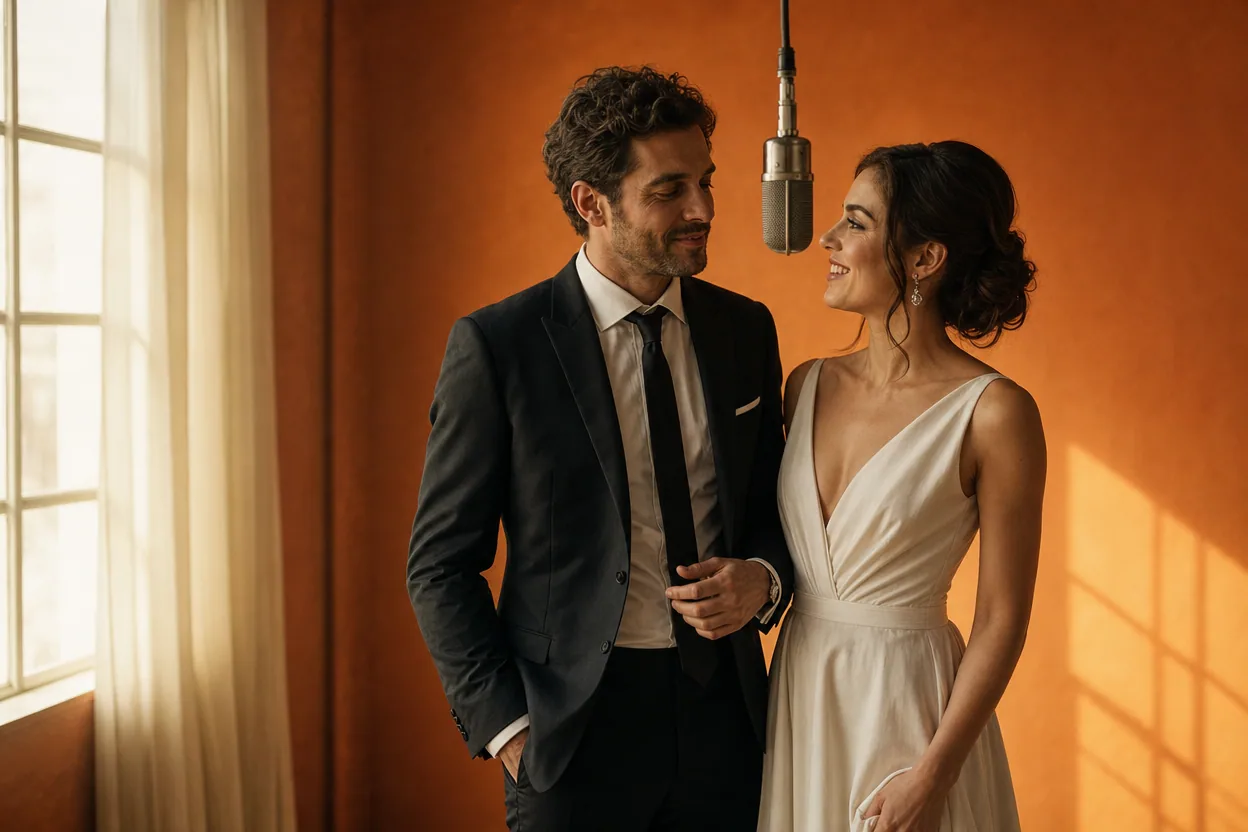
Wedding and couple keepsakes
Wedding Photo to Video
A wedding photo to video gives two formal portraits a shared moment of movement. You upload one photo of each person, choose a cinematic template, and the two faces are placed into the same short performance.
Open this use case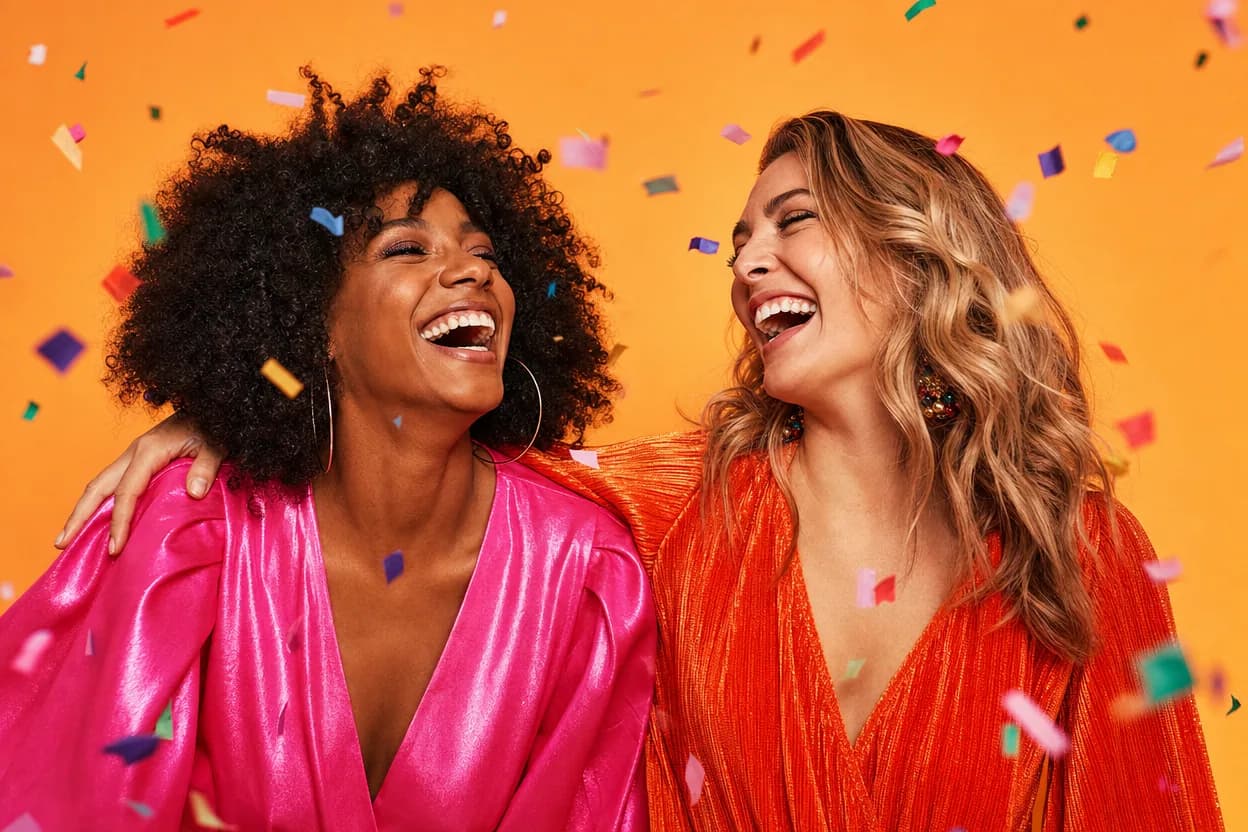
Birthday greetings
Birthday Photo to Video
A birthday photo to video lets two people share one short, upbeat clip without filming together. It works for a joint greeting, a long-distance message, or a playful post for someone who is hard to gather in one room.
Open this use case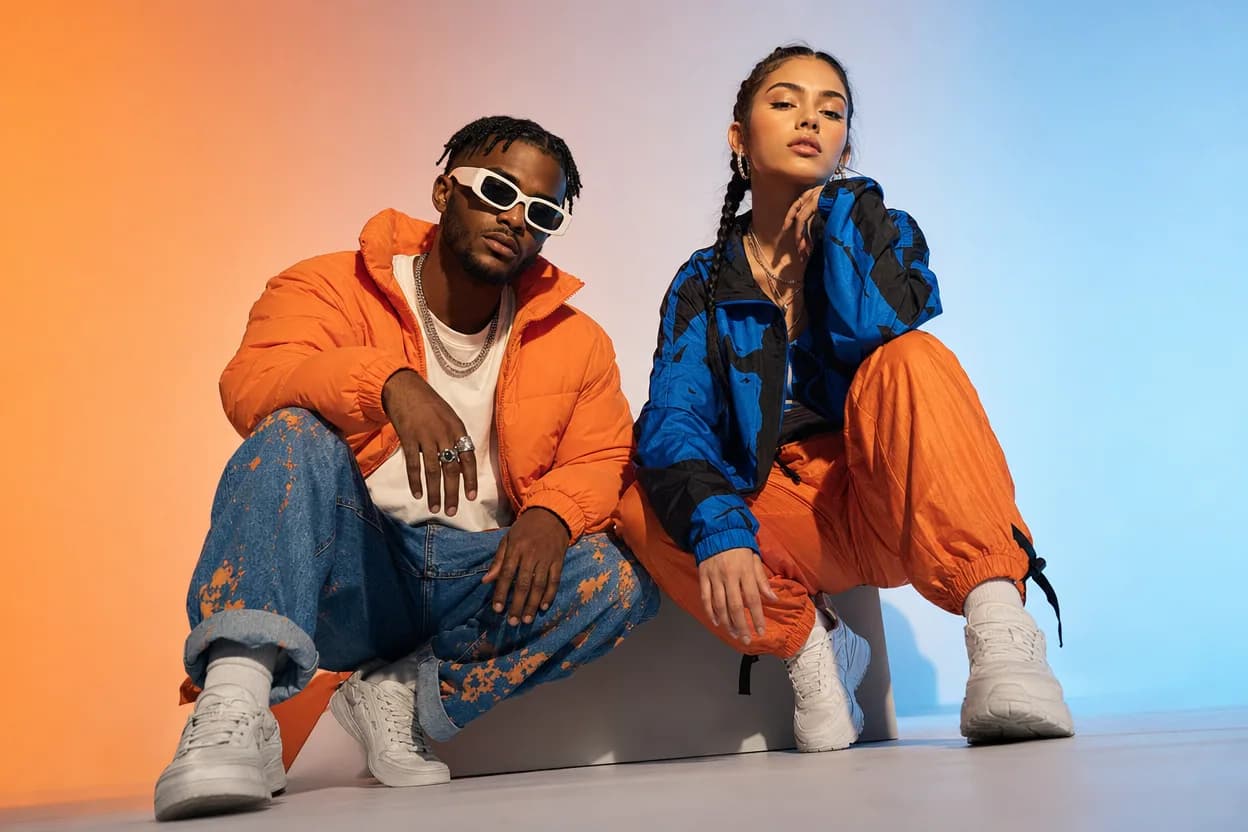
Social clips
Social Media Duo Video
A social media duo video is a short, shareable clip built from two portraits. It gives a post a moving visual without a shoot, a script, or a shared filming session.
Open this use caseRelated reading
 photo to video ai
Photo to Video AI: How Still Images Become Moving Clips
Photo to video AI is a broad category with two very different engines inside. Learn how each one works and how to pick the right job for your image.
ai dance video from photoAI Dance Video From Photo: Make a Moving Duo Clip
An energetic template plus two clear photos is enough to produce a dancing duo clip. Here is how to prepare photos for movement-heavy scenes.
 hotel lobby video template
Hotel Lobby Video Template: Picking the Right Preset Scene
Templates do the creative work in photo-to-video generation. Here is what each of the eight Hotel Lobby AI Video templates is built for.
hotel lobby ai video vs viggleHotel Lobby AI Video vs Viggle AI: Two-Photo Duo Video Compared
A source-checked comparison of Hotel Lobby AI Video and Viggle AI: what each asks you to upload, what the free tier includes, and how two-person output and pricing differ.