Social clips
Social Media Duo Video From Two Photos
A social media duo video is a short, shareable clip built from two portraits. It gives a post a moving visual without a shoot, a script, or a shared filming session.
- Two photos
- Two photos
- One person per photo
- One person per photo
- 480p or 720p
- 480p or 720p
- No prompt
- No prompt
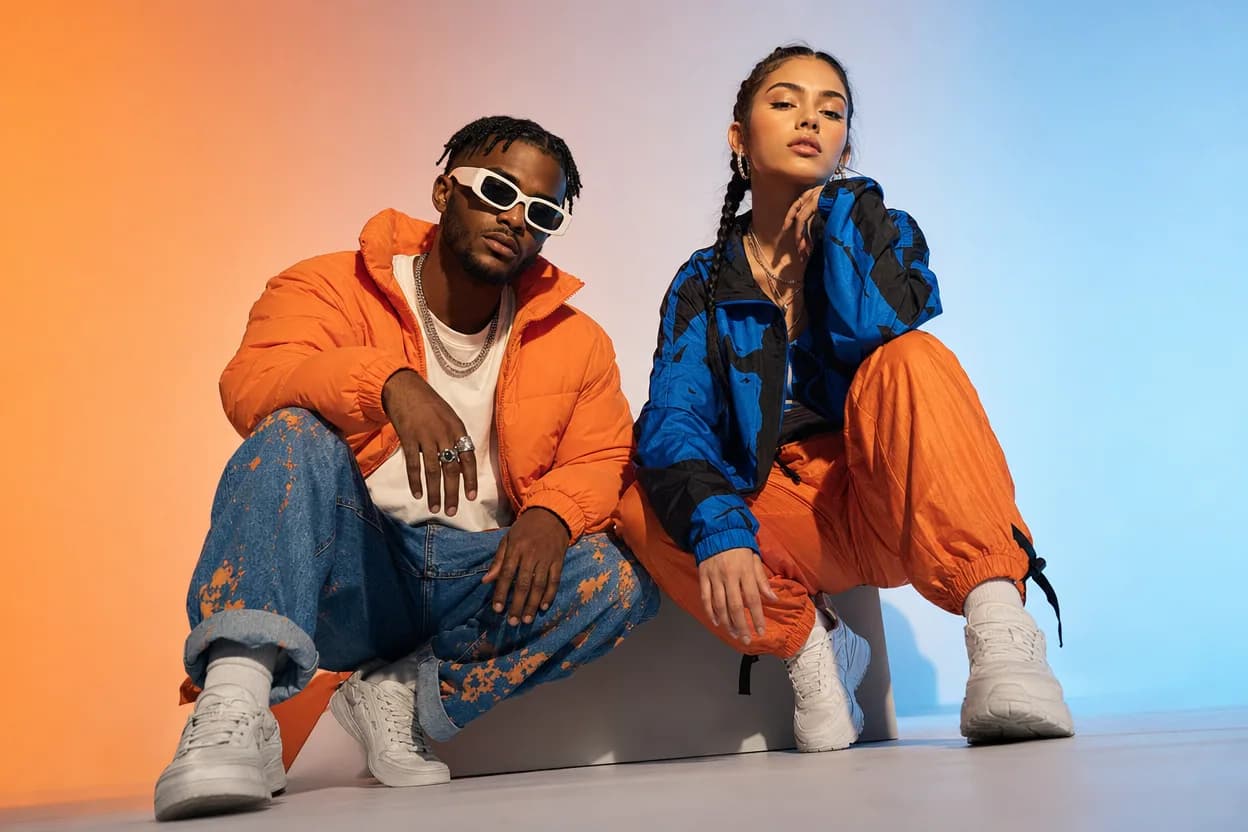
Quick answer
Upload one clear photo per person, choose High Energy Duo, and generate a short MP4. The clip is an AI performance from two still photos; check how it crops in each app before posting.
Make your clip with two photos
The generator is the same on every page: one photo per person, a preset template, and a downloadable MP4.
Choose your performers
Clear front-facing photos work best — one person per image, no covered faces.
Two people performing a short studio duet, recast with your two photos.
Each generation uses credits from your balance.
Sign in to generate videos.
Signing in keeps selected photos in this browser for your return. The draft expires after 20 minutes and is removed on return or the next visit after expiry.
Template preview — your two photos replace these performers.
Template: High Energy Duo
Classic Duo
Two people performing a short studio duet, recast with your two photos.
High Energy Duo
A faster, more upbeat two-person studio performance.
Soft Groove Duo
A slower, relaxed two-person studio groove.
Still to Motion
A still portrait brought into gentle motion.
Minimal Motion
Subtle movement with a minimal set and camera.
Kangaroo Boxer
A single boxing-kangaroo motion source from your provided material.
Duo Conversation
Two performers facing each other in a dialogue scene.
Cinematic Duo
A wider, more cinematic two-person framing.
What makes a duo clip work on social
Short-form feeds reward a clear visual idea. A two-person clip has a simple one: two faces, one scene, a shared motion. The viewer does not need context before the clip starts. That makes it easy to use as a post, a reaction, or a playful announcement.
The format is not a trend hack. The template supplies a fixed scene, and your photos supply the people. The result is short and downloadable, which makes it easy to pair with your own caption, text overlay, or audio in a separate editor.
Prepare photos for a small screen
A face that reads well on a phone is the main requirement. Choose a clear portrait with the eyes visible and the head not too close to the edge. A busy background is less important than a readable face, because the template replaces the scene.
The generator does not create a separate vertical export. If the app crops the MP4, check the safe area before you post. A centered pair of faces usually survives a square or vertical crop better than a wide composition with people near the edges.
- One person per photo.
- Face centered with some room around the head.
- Even light and no heavy filter.
- Permission from both people before posting.
Choose the energy before the template
High Energy Duo is the most natural fit for a fast social clip. Classic Duo is more neutral, and Soft Groove Duo is better for a calm or sentimental post. The template changes the camera and pacing, so pick the tone first and the scene second.
If you plan to add text or a caption in another app, leave room in the frame. The generator does not add overlays, so you control the final message.
Disclose AI when it matters
The output is an AI-generated clip, not a recording of a real event. If the context could mislead viewers, say that it was made with AI. Do not present the clip as documentary footage or as proof that two people were in the same place.
Also check the platform's rules for synthetic media and for photos of other people. When in doubt, ask before posting and keep the clip private.
How it works
The generator is the same on every page: one photo per person, a preset template, and a downloadable MP4.
Two-photo use cases- 1
Choose two clear, front-facing photos. Use one photo for each person, not a group shot.
- 2
Upload the first photo to the left slot and the second to the right slot. Use Swap if the order is wrong.
- 3
Pick the template that matches the mood, then choose 480p for a quick check or 720p for the final clip.
- 4
Generate, preview the result, and download the MP4 when it is ready.
Questions people ask
Can I post the clip on TikTok or Reels?+
You can download the MP4 and upload it, but the generator does not create a separate vertical version. Check the crop in the app before publishing.
Can I add text or a song?+
The generator does not add text or music. Add them in a separate editor, and use audio you have the right to publish.
Which template is best for social?+
High Energy Duo is the most energetic. Classic Duo is a safer, more neutral choice.
Does the clip include a watermark?+
The product downloads an MP4 without adding a watermark. Check the result before posting and do not add third-party logos you do not own.
Can I make a clip with a friend in another city?+
Yes. Each person can supply a photo independently. Matching the crop and lighting will make the pair look more natural.
Should I label it as AI?+
If the context could imply that the clip is real footage, disclose that it was generated with AI. Clear labeling builds trust.
Related two-photo ideas
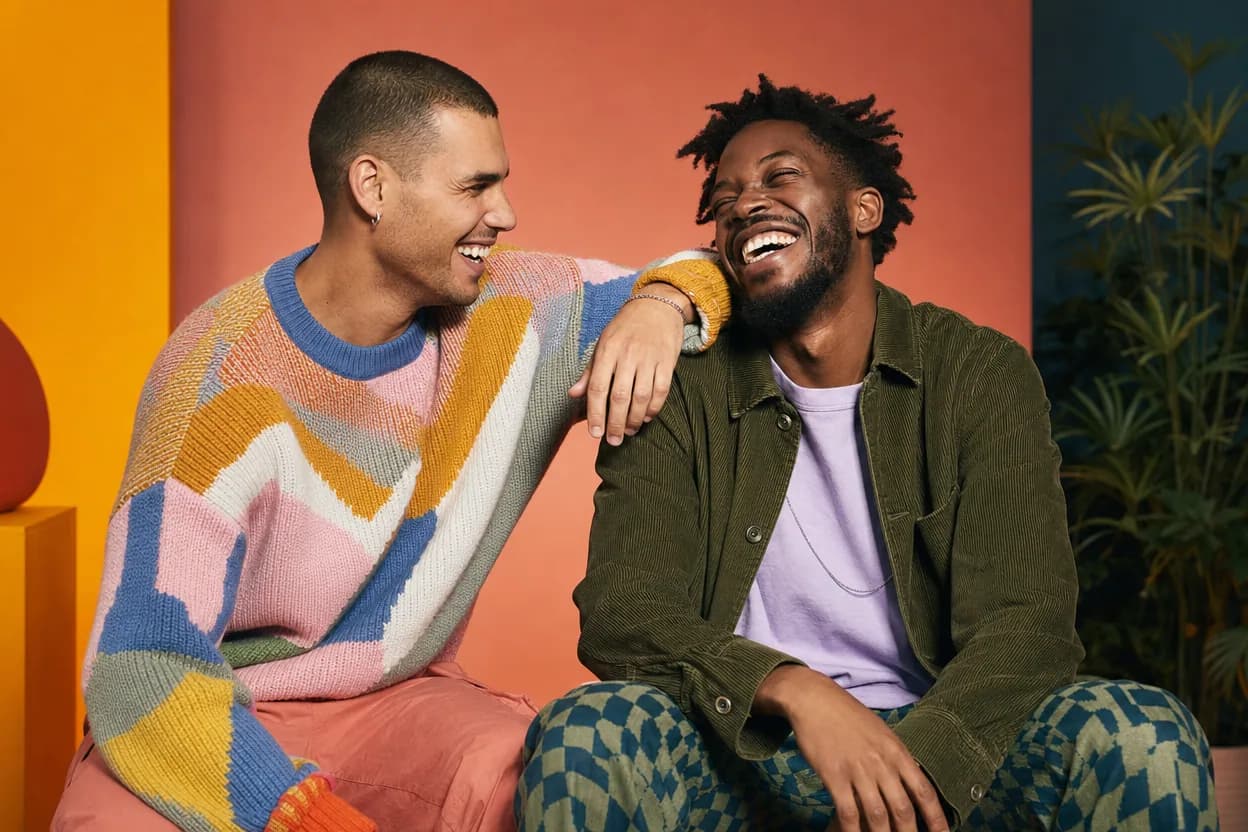
Friendship
Best Friends Duo Video
A best friends duo video puts two friends into the same short performance without needing a shared shoot. It is a playful format for a birthday, a moving-away message, a reunion, or a social post.
Open this use case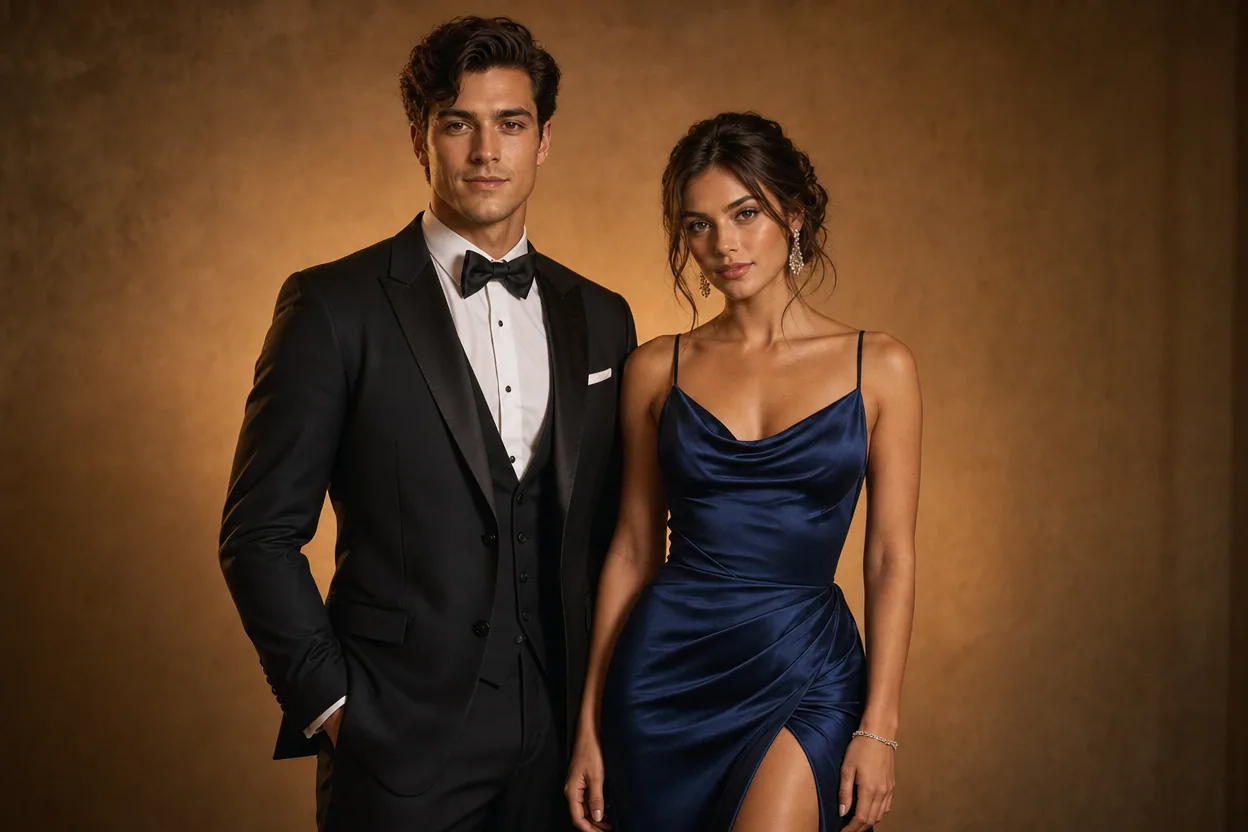
Formal occasions
Prom Photo to Video
A prom photo to video gives two formal portraits a shared, moving scene. It is a lightweight way to mark the occasion when you have good photos but no video of the two people together.
Open this use case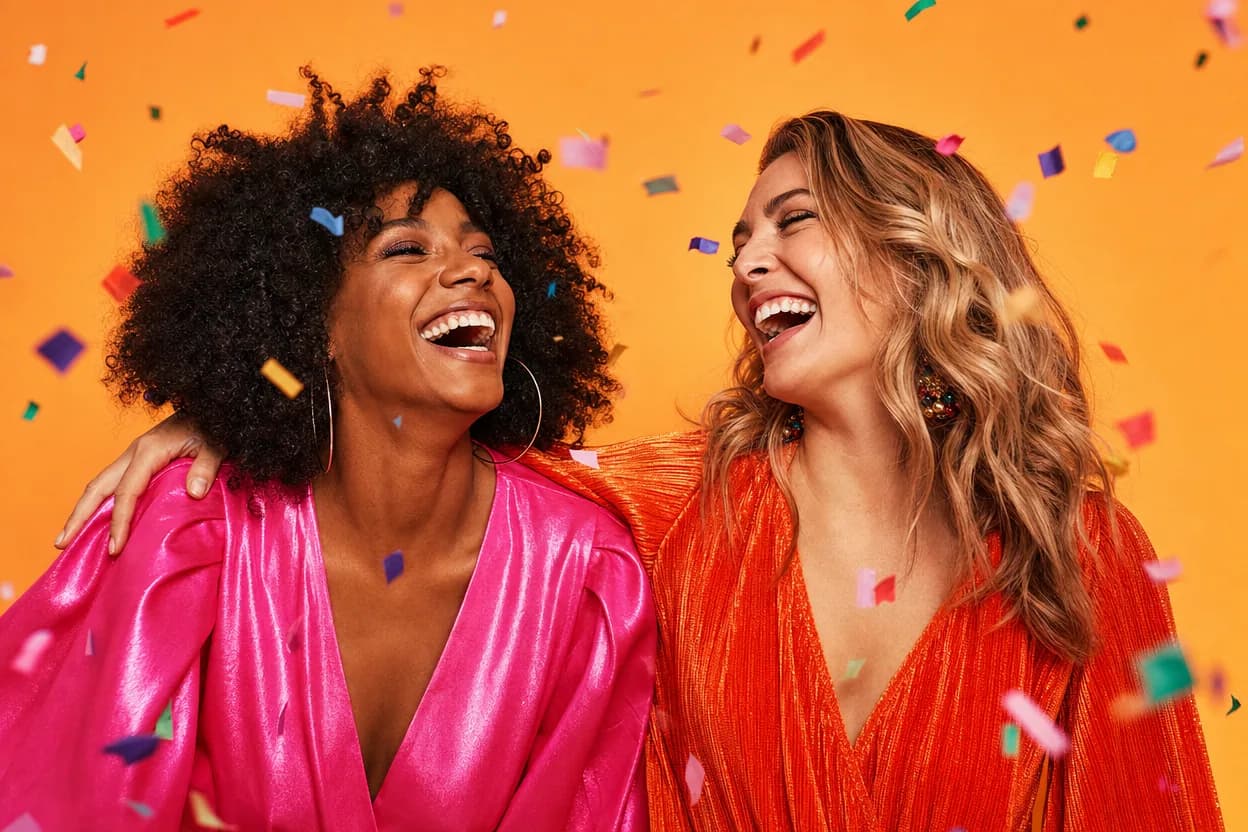
Birthday greetings
Birthday Photo to Video
A birthday photo to video lets two people share one short, upbeat clip without filming together. It works for a joint greeting, a long-distance message, or a playful post for someone who is hard to gather in one room.
Open this use caseMake your clip with two photos
A social media duo video is a short, shareable clip built from two portraits. It gives a post a moving visual without a shoot, a script, or a shared filming session.
Make the social clip