Trend explainers
Hotel Lobby Trend Video: Make Your Own Duo Version
The Hotel Lobby trend is a short AI video format where two people are placed into a shared performance scene. This page explains what the trend is, how to make a version from two photos, and what the result does not include.
- Two photos
- Two photos
- One person per photo
- One person per photo
- 480p or 720p
- 480p or 720p
- No prompt
- No prompt
Quick answer
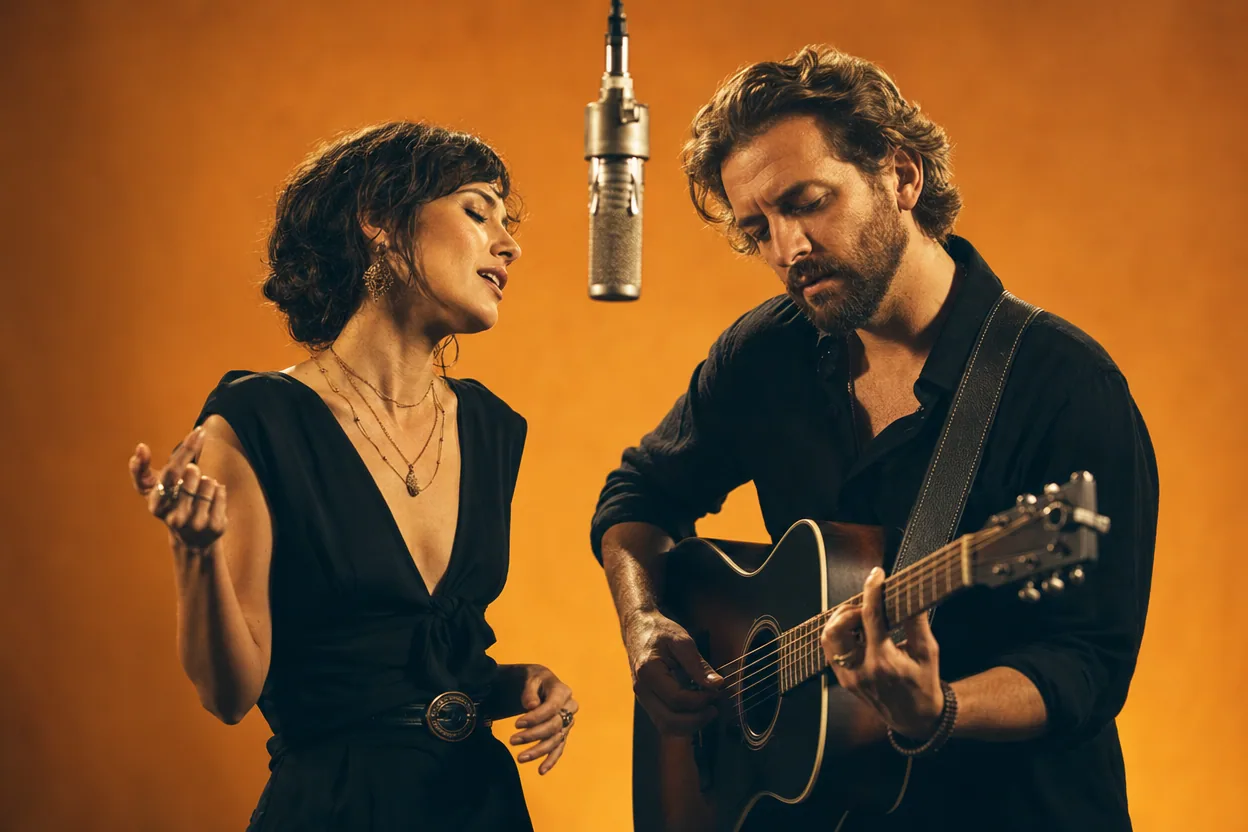
Upload one clear photo per person, choose Classic Duo or another two-person template, and generate a short MP4. The brand name refers to the trend, not to a hotel lobby interior; the template scene is a warm studio.
Make your clip with two photos
The generator is the same on every page: one photo per person, a preset template, and a downloadable MP4.
Choose your performers
Clear front-facing photos work best — one person per image, no covered faces.
Two people performing a short studio duet, recast with your two photos.
Each generation uses credits from your balance.
Sign in to generate videos.
Signing in keeps selected photos in this browser for your return. The draft expires after 20 minutes and is removed on return or the next visit after expiry.
Template preview — your two photos replace these performers.
Template: Classic Duo
Classic Duo
Two people performing a short studio duet, recast with your two photos.
High Energy Duo
A faster, more upbeat two-person studio performance.
Soft Groove Duo
A slower, relaxed two-person studio groove.
Still to Motion
A still portrait brought into gentle motion.
Minimal Motion
Subtle movement with a minimal set and camera.
Kangaroo Boxer
A single boxing-kangaroo motion source from your provided material.
Duo Conversation
Two performers facing each other in a dialogue scene.
Cinematic Duo
A wider, more cinematic two-person framing.
What the Hotel Lobby trend actually is
The trend takes its name from a song and a performance format that spread through short video. People make AI versions by placing two faces into a preset performance. The appeal is the shared scene: two people, one camera move, a short clip that feels like a duet.
The name can be misleading. This tool is not a hotel lobby interior generator, and the template is not a recreation of a specific music video. It is an independent product with a preset studio scene and your two photos.
How to make a version from two photos
Use one clear, front-facing photo for each performer. The left slot becomes the performer on the left, and the right slot becomes the performer on the right. If the order is wrong, use Swap before generating.
Choose a template, pick 480p for a quick test or 720p for a sharper final, and generate. The page shows the job status while the clip is rendered. When it is ready, preview the result and download the MP4.
- One person per photo.
- Clear face, even light, no covered eyes.
- JPG, PNG, or WebP, up to 10 MB each.
- Permission from both people before sharing.
Why there is no song inside the file
The generator does not include the original song or any music track. That is intentional: music rights are separate from the photo and video rights. If you want to publish a version with a song, use audio you have the right to use on that platform.
The template sets the length of the clip. There is no separate duration selector, and the tool does not add a voiceover. Keep the clip as a visual layer and add sound in a separate editor if you need it.
What to check before you post
Review the result for likeness, framing, and anatomy. AI motion can vary, especially when a face is turned far to the side or when the two people overlap. If the result looks off, try clearer photos or a calmer template.
The output is an AI-generated clip, not a real recording. If the context could mislead viewers, say that it was made with AI. Do not present it as official footage from the trend or from a real performance.
How it works
The generator is the same on every page: one photo per person, a preset template, and a downloadable MP4.
Two-photo use cases- 1
Choose two clear, front-facing photos. Use one photo for each person, not a group shot.
- 2
Upload the first photo to the left slot and the second to the right slot. Use Swap if the order is wrong.
- 3
Pick the template that matches the mood, then choose 480p for a quick check or 720p for the final clip.
- 4
Generate, preview the result, and download the MP4 when it is ready.
Questions people ask
Is this the official Hotel Lobby video tool?+
No. It is an independent AI video product inspired by the two-person trend. It is not affiliated with the song, its artists, or the original performance.
Does the video include the Hotel Lobby song?+
No. The generator does not add music. Add audio only if you have the rights to use it.
Why is the scene a studio instead of a hotel lobby?+
The brand name comes from the trend. The actual template is a warm studio performance, not a hotel lobby interior.
Can I use one photo instead of two?+
The Classic Duo template uses two performer slots. Choose a single-performer template if you want one person in the scene.
Which template is closest to the trend?+
Classic Duo is the most familiar two-person studio performance. High Energy Duo is faster, and Cinematic Duo is wider.
Can I make a version with friends?+
Yes. Upload one photo per friend. Ask before posting a clip that includes someone else.
Related two-photo ideas
Social clips
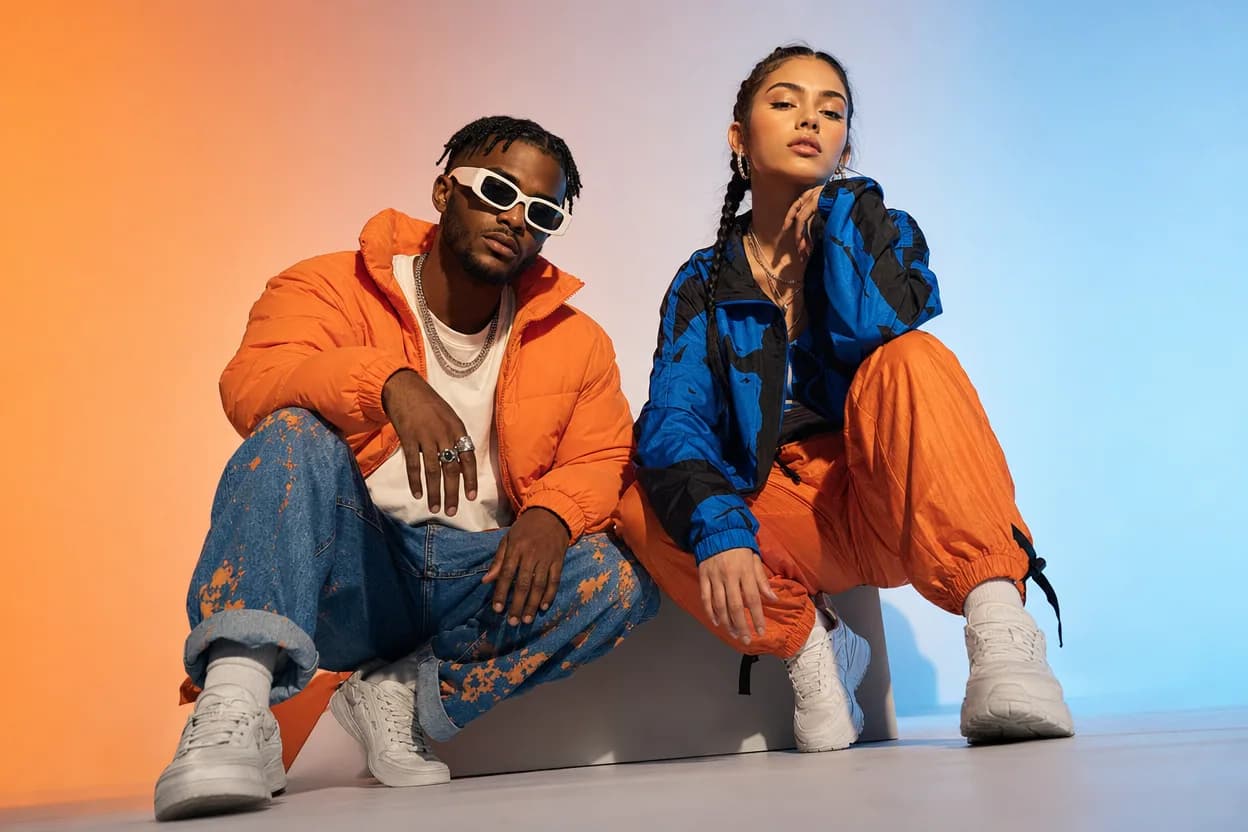
Social Media Duo Video
A social media duo video is a short, shareable clip built from two portraits. It gives a post a moving visual without a shoot, a script, or a shared filming session.
Open this use case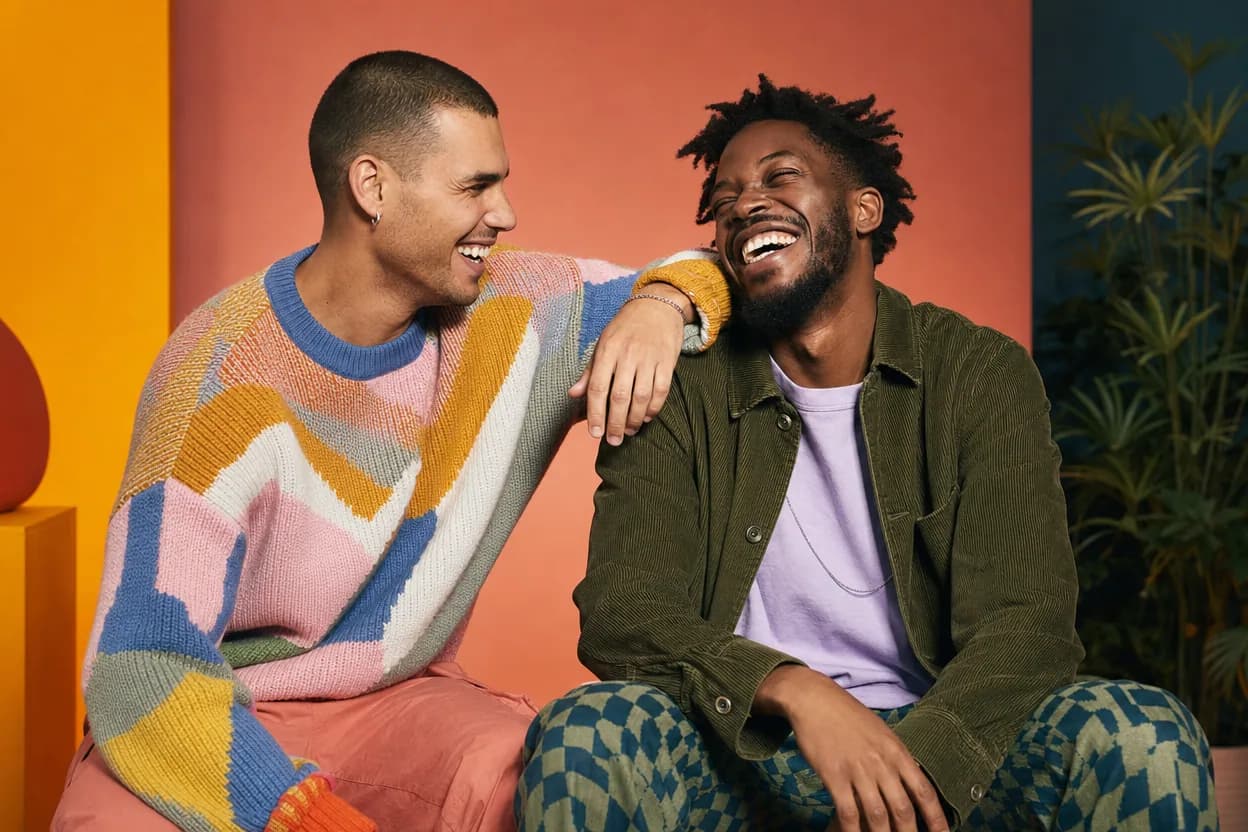
Friendship
Best Friends Duo Video
A best friends duo video puts two friends into the same short performance without needing a shared shoot. It is a playful format for a birthday, a moving-away message, a reunion, or a social post.
Open this use case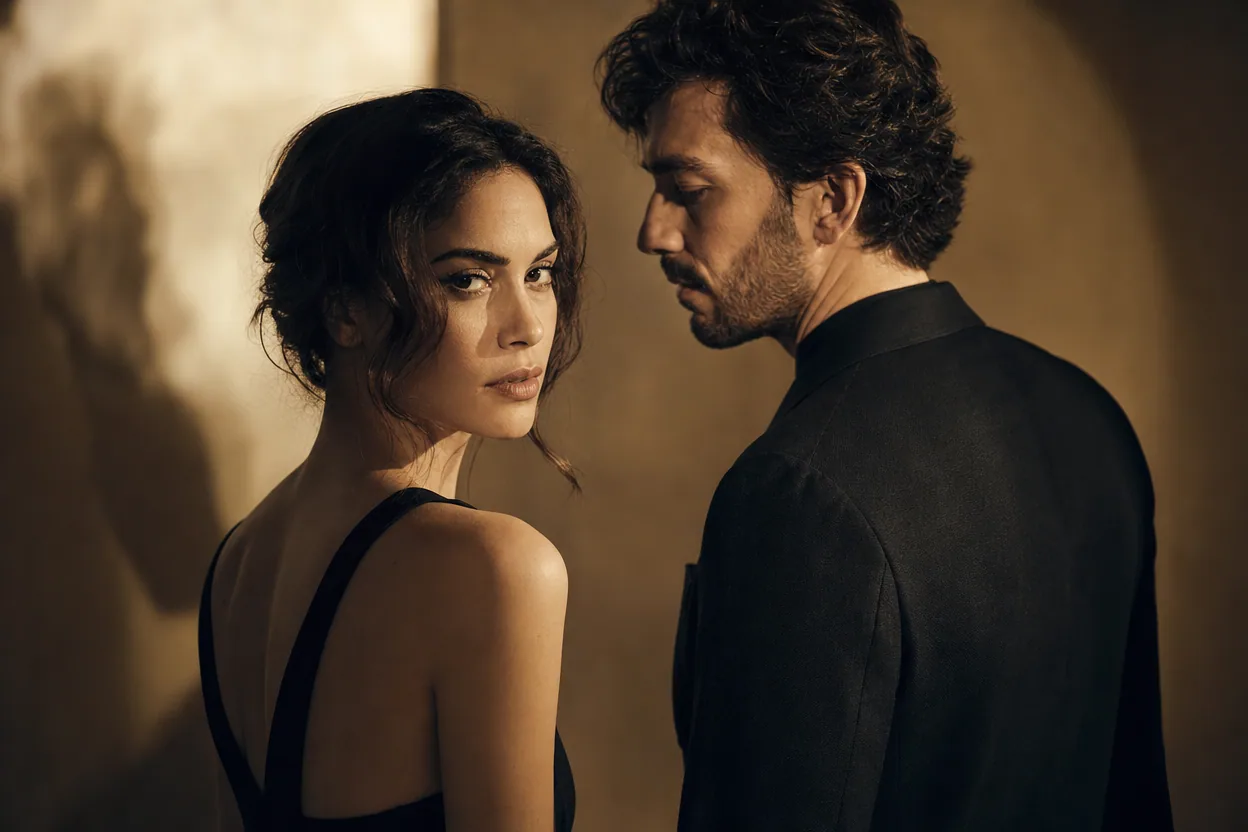
Reveals and surprises
Photo Reveal Video
A photo reveal video gives two portraits a subtle sense of motion, making a simple image feel more like a moment. It is useful for a surprise, a reunion, a launch, or a personal announcement.
Open this use caseMake your clip with two photos
The Hotel Lobby trend is a short AI video format where two people are placed into a shared performance scene. This page explains what the trend is, how to make a version from two photos, and what the result does not include.
Make your trend clip