Family keepsakes
Parent and Child Photo Video: A Gentle Two-Person Keepsake
A parent and child photo video is a soft, short clip made from two portraits. It suits a milestone, a birthday, a school transition, or a private family message, using the photos you already have.
- Two photos
- Two photos
- One person per photo
- One person per photo
- 480p or 720p
- 480p or 720p
- No prompt
- No prompt
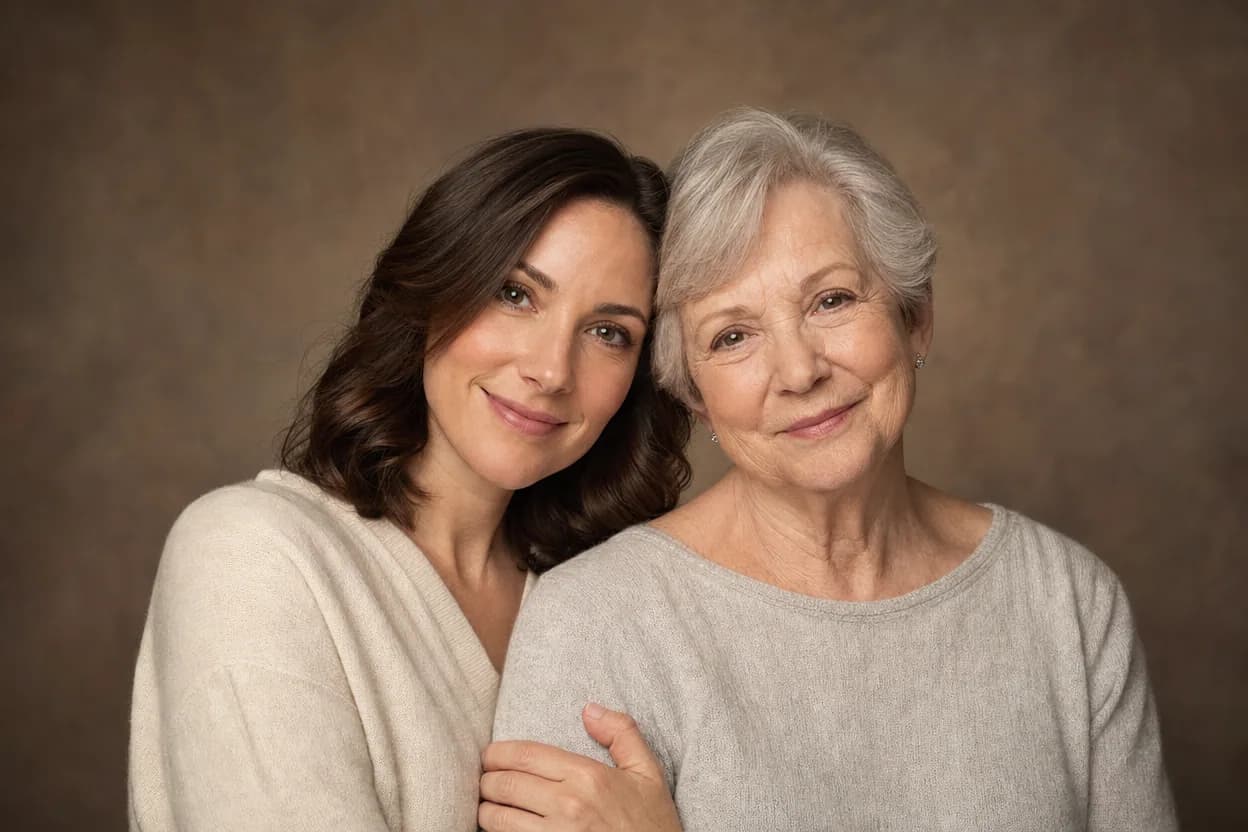
Quick answer
Upload one clear portrait of each person, choose Soft Groove Duo, and generate a short MP4. It is an AI clip made from still photos, not a recording of a real moment or a guarantee of likeness.
Make your clip with two photos
The generator is the same on every page: one photo per person, a preset template, and a downloadable MP4.
Choose your performers
Clear front-facing photos work best — one person per image, no covered faces.
Two people performing a short studio duet, recast with your two photos.
Each generation uses credits from your balance.
Sign in to generate videos.
Signing in keeps selected photos in this browser for your return. The draft expires after 20 minutes and is removed on return or the next visit after expiry.
Template preview — your two photos replace these performers.
Template: Soft Groove Duo
Classic Duo
Two people performing a short studio duet, recast with your two photos.
High Energy Duo
A faster, more upbeat two-person studio performance.
Soft Groove Duo
A slower, relaxed two-person studio groove.
Still to Motion
A still portrait brought into gentle motion.
Minimal Motion
Subtle movement with a minimal set and camera.
Kangaroo Boxer
A single boxing-kangaroo motion source from your provided material.
Duo Conversation
Two performers facing each other in a dialogue scene.
Cinematic Duo
A wider, more cinematic two-person framing.
A gentle format for a family milestone
Some family moments do not need a big production. A school transition, a birthday, or a quiet thank-you can be enough reason to make a short clip. The two-photo format keeps the task small and the result easy to send.
It is also useful when one person is camera-shy. You do not need a new shoot or a video call. A clear portrait from each person is enough to create the shared scene.
Choose photos with a calm, readable face
The strongest input is a photo where the person is looking toward the camera with an unobstructed face. Soft light is better than a hard outdoor shadow. A formal portrait and a casual selfie can be paired, but matching the crop and brightness will help them sit together.
For a child's photo, use an image the parent or guardian has approved. Do not upload or publish a minor's photo without permission.
- One person per photo.
- Eyes and face clearly visible.
- Soft, even light.
- Parent or guardian permission for minors.
Why Soft Groove Duo is the safer tone
Soft Groove Duo is slower and calmer than the high-energy templates. That suits a parent-child keepsake, where a subtle movement is often more appropriate than a dance-style performance. The scene stays gentle, and the two faces remain the focus.
Cinematic Duo is a wider alternative if you want a more formal frame. Classic Duo is a middle ground. Preview at 480p first, especially if the two photos come from different stages of life.
Keep the keepsake private if that feels right
Not every family clip needs to be public. You can download the MP4 and keep it in a private album or send it directly. If you do post it, check that everyone shown is comfortable with the audience.
The generator does not add text, music, or a voice message. It creates a short AI clip from two photos. Treat it as a creative keepsake, not a factual record of an event.
How it works
The generator is the same on every page: one photo per person, a preset template, and a downloadable MP4.
Two-photo use cases- 1
Choose two clear, front-facing photos. Use one photo for each person, not a group shot.
- 2
Upload the first photo to the left slot and the second to the right slot. Use Swap if the order is wrong.
- 3
Pick the template that matches the mood, then choose 480p for a quick check or 720p for the final clip.
- 4
Generate, preview the result, and download the MP4 when it is ready.
Questions people ask
Can I use a childhood photo with an adult photo?+
It can work as a creative keepsake, but the age gap may make the pairing look unusual. Matching the crop and tone will help.
Can I make a clip with a baby photo?+
Only with a parent or guardian's permission. The face should be clearly visible, and the result should be reviewed before sharing.
Which template is gentlest?+
Soft Groove Duo is the calmest two-person option. Minimal Motion is subtle, but check its composition before using it for two people.
Can I keep the clip private?+
Yes. Download the MP4 and share it only with the people you choose. A public post is optional.
Does the generator add a message?+
No. It does not add text or voice. Add a caption or a separate voice note after download.
What if the result does not look right?+
Try clearer, front-facing photos and a calmer template. AI results can vary with angle, light, and image quality.
Related two-photo ideas

Family moments
Family Photo to Video
A family photo to video places two relatives into one short, shared scene. It is a practical format for siblings, cousins, or a parent and adult child when the best photos were taken in different places or years.
Open this use case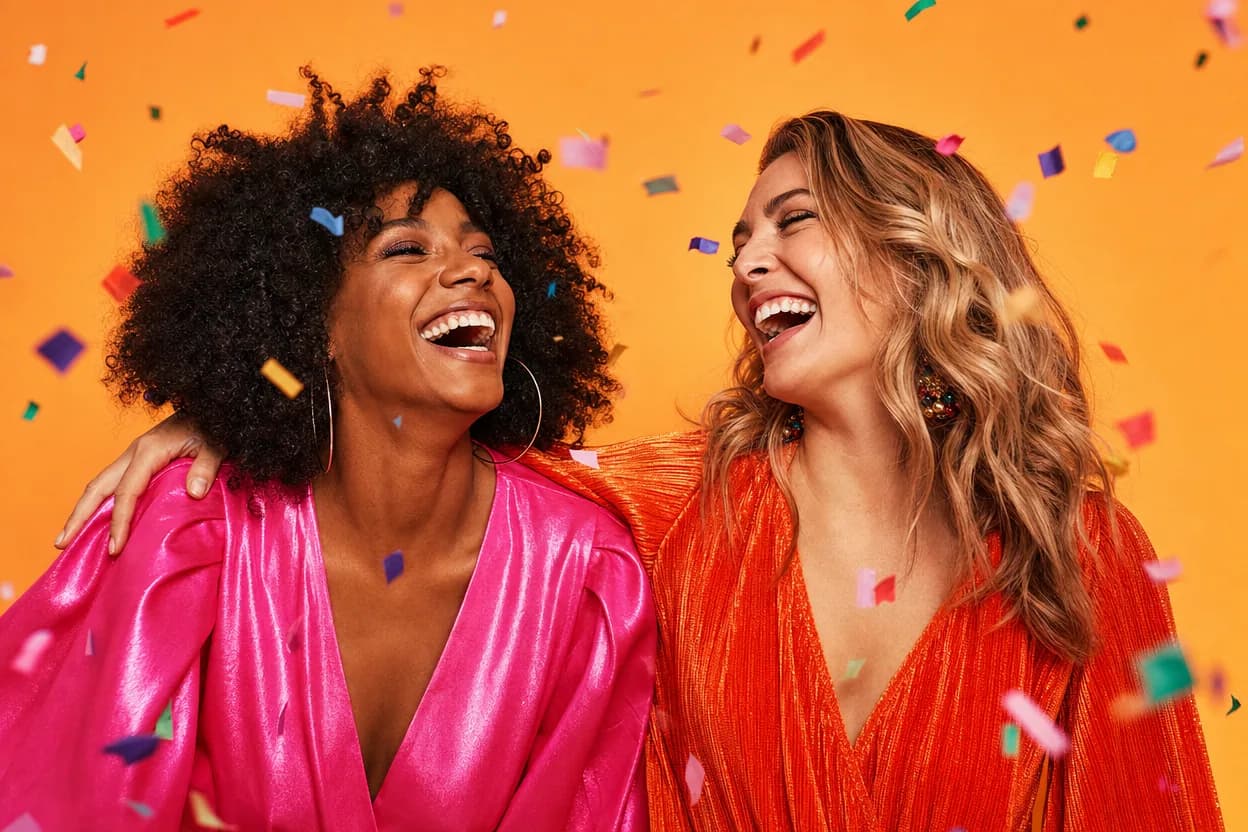
Birthday greetings
Birthday Photo to Video
A birthday photo to video lets two people share one short, upbeat clip without filming together. It works for a joint greeting, a long-distance message, or a playful post for someone who is hard to gather in one room.
Open this use case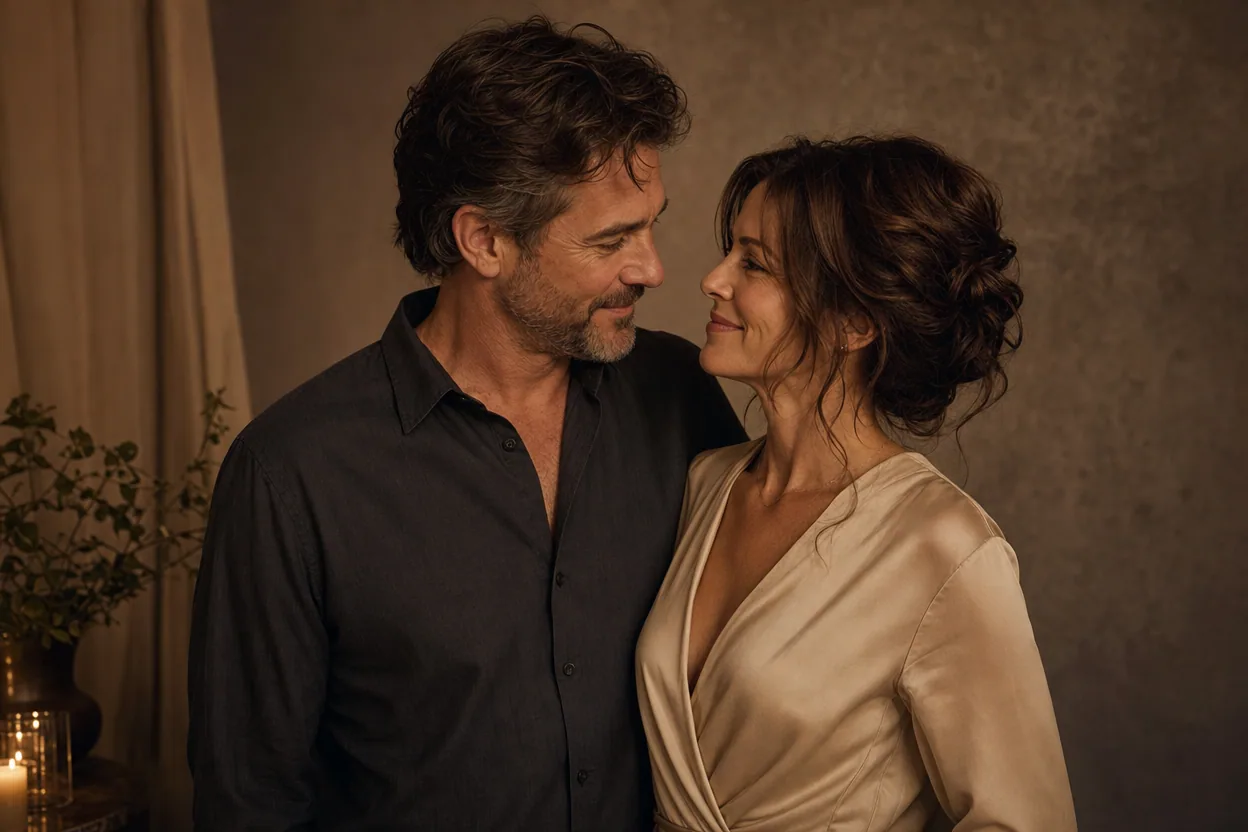
Anniversary gifts
Anniversary Photo Video
An anniversary photo video is a small digital gift made from two portraits. Instead of asking for a recent photo together, you can use the photos you already have and place both people into one gentle, moving scene.
Open this use caseMake your clip with two photos
A parent and child photo video is a soft, short clip made from two portraits. It suits a milestone, a birthday, a school transition, or a private family message, using the photos you already have.
Make the family keepsake