Anniversary gifts
Anniversary Photo Video: Two Portraits, One Shared Clip
An anniversary photo video is a small digital gift made from two portraits. Instead of asking for a recent photo together, you can use the photos you already have and place both people into one gentle, moving scene.
- Two photos
- Two photos
- One person per photo
- One person per photo
- 480p or 720p
- 480p or 720p
- No prompt
- No prompt
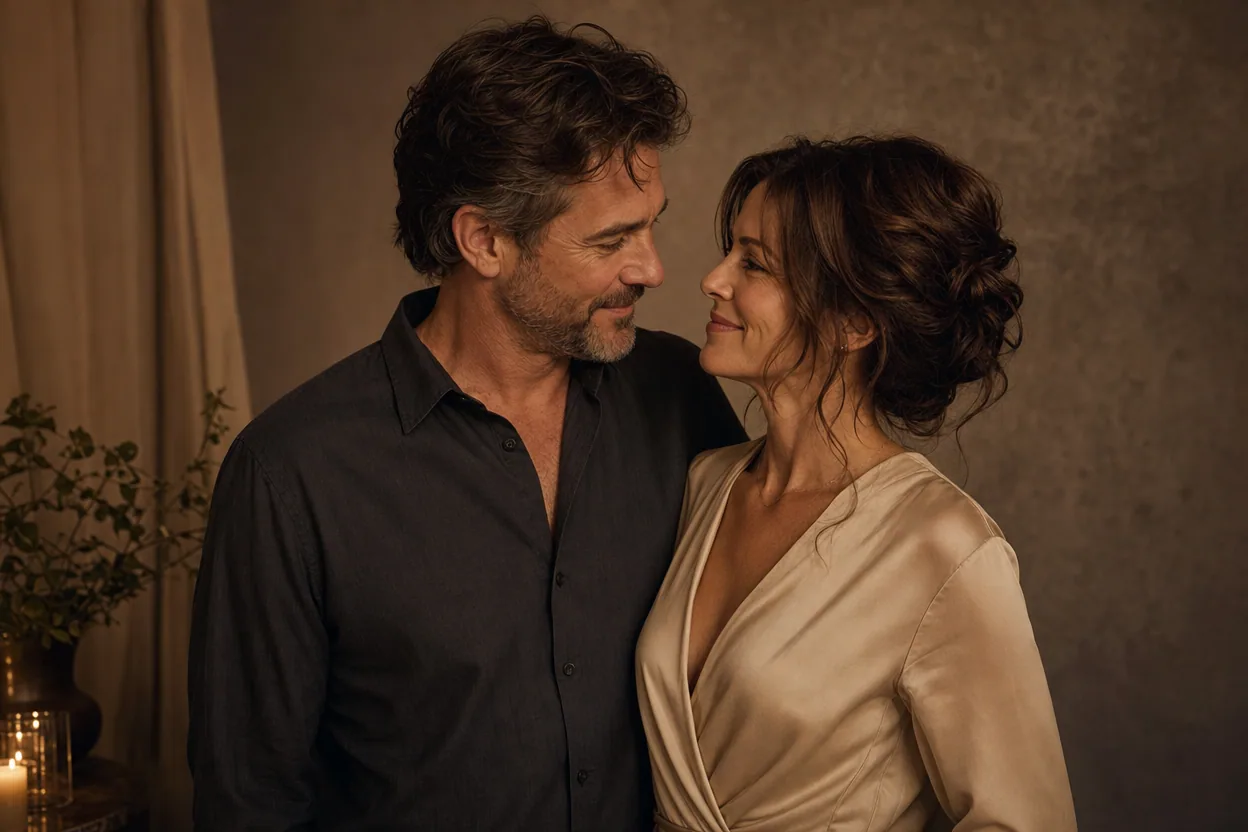
Quick answer
Choose one clear photo of each person, upload them to the two slots, and use the Soft Groove Duo template for a calm result. The video is short, downloadable, and made from photos rather than filmed footage.
Make your clip with two photos
The generator is the same on every page: one photo per person, a preset template, and a downloadable MP4.
Choose your performers
Clear front-facing photos work best — one person per image, no covered faces.
Two people performing a short studio duet, recast with your two photos.
Each generation uses credits from your balance.
Sign in to generate videos.
Signing in keeps selected photos in this browser for your return. The draft expires after 20 minutes and is removed on return or the next visit after expiry.
Template preview — your two photos replace these performers.
Template: Soft Groove Duo
Classic Duo
Two people performing a short studio duet, recast with your two photos.
High Energy Duo
A faster, more upbeat two-person studio performance.
Soft Groove Duo
A slower, relaxed two-person studio groove.
Still to Motion
A still portrait brought into gentle motion.
Minimal Motion
Subtle movement with a minimal set and camera.
Kangaroo Boxer
A single boxing-kangaroo motion source from your provided material.
Duo Conversation
Two performers facing each other in a dialogue scene.
Cinematic Duo
A wider, more cinematic two-person framing.
A useful format for an anniversary message
Anniversary content often has a simple job: say something warm without turning into a production project. A short duo clip can sit inside a message, a card, or a social post. It gives the two people a shared frame even when the original photos were taken years apart.
The format is especially practical for couples who do not have a good recent photo together. Each person can supply the best available portrait, and the template handles the composition. The result is not a chronology of the relationship; it is a small visual gesture.
Pick photos that feel like the same moment
The easiest way to make the pair look natural is to match the mood rather than the exact background. Two soft, front-facing portraits with similar light will blend more cleanly than one formal studio headshot and one outdoor action shot. Neutral expressions usually survive motion better than exaggerated ones.
If one photo is much sharper than the other, improve the weaker one first. A small crop, a straighten, and a brightness adjustment can do more for the final clip than adding a more complex template. The photo preparation tool on this site runs in the browser and does not upload your images.
- Use a face that is visible from the front.
- Keep jewelry, hair, and hands away from the eyes.
- Match the light where possible.
- Use the highest-resolution copy you have.
Why a gentle template works better than a loud one
Soft Groove Duo keeps the energy low. The movement is slower, the framing is calmer, and the scene does not ask the subjects to perform a big reaction. That suits an anniversary message, especially when the photos are formal or the occasion is private.
If you want something more playful, High Energy Duo is available, but test it at 480p first. The stronger the template movement, the more the result depends on a clean, straight-on face in both photos.
What to expect from the download
The result is one MP4. The template determines the length, and you can choose 480p or 720p. There is no separate music track, so add audio only if you have the rights to use it. The clip can be sent directly or posted, but review it first for likeness and framing.
This is an AI-generated interpretation, not a restored photograph or a documentary edit. Keep the original photos safe, and treat the clip as a new keepsake rather than a replacement for the originals.
How it works
The generator is the same on every page: one photo per person, a preset template, and a downloadable MP4.
Two-photo use cases- 1
Choose two clear, front-facing photos. Use one photo for each person, not a group shot.
- 2
Upload the first photo to the left slot and the second to the right slot. Use Swap if the order is wrong.
- 3
Pick the template that matches the mood, then choose 480p for a quick check or 720p for the final clip.
- 4
Generate, preview the result, and download the MP4 when it is ready.
Questions people ask
Can we use photos from different years?+
Yes. Each photo is used for one performer, so the original dates do not need to match. Similar lighting and framing will still produce a more natural result.
Is this a good anniversary gift?+
It can be a thoughtful small gift, especially when paired with a personal message. It is a short AI clip, not a custom film, so set expectations accordingly.
Can I add music?+
The generator does not add music. You can add audio after download if you have permission to use the track on the platform where you share it.
Which template is calmest?+
Soft Groove Duo is the calmest two-person option. Minimal Motion is also subtle, but check whether its composition suits two people before you generate.
Can I make more than one version?+
Yes. Each generation uses credits from your account. A failed or cancelled generation returns its credits automatically.
Do both people need to approve the upload?+
You should have permission from everyone in the photos. That is especially important when the clip will be shared publicly.
Related two-photo ideas
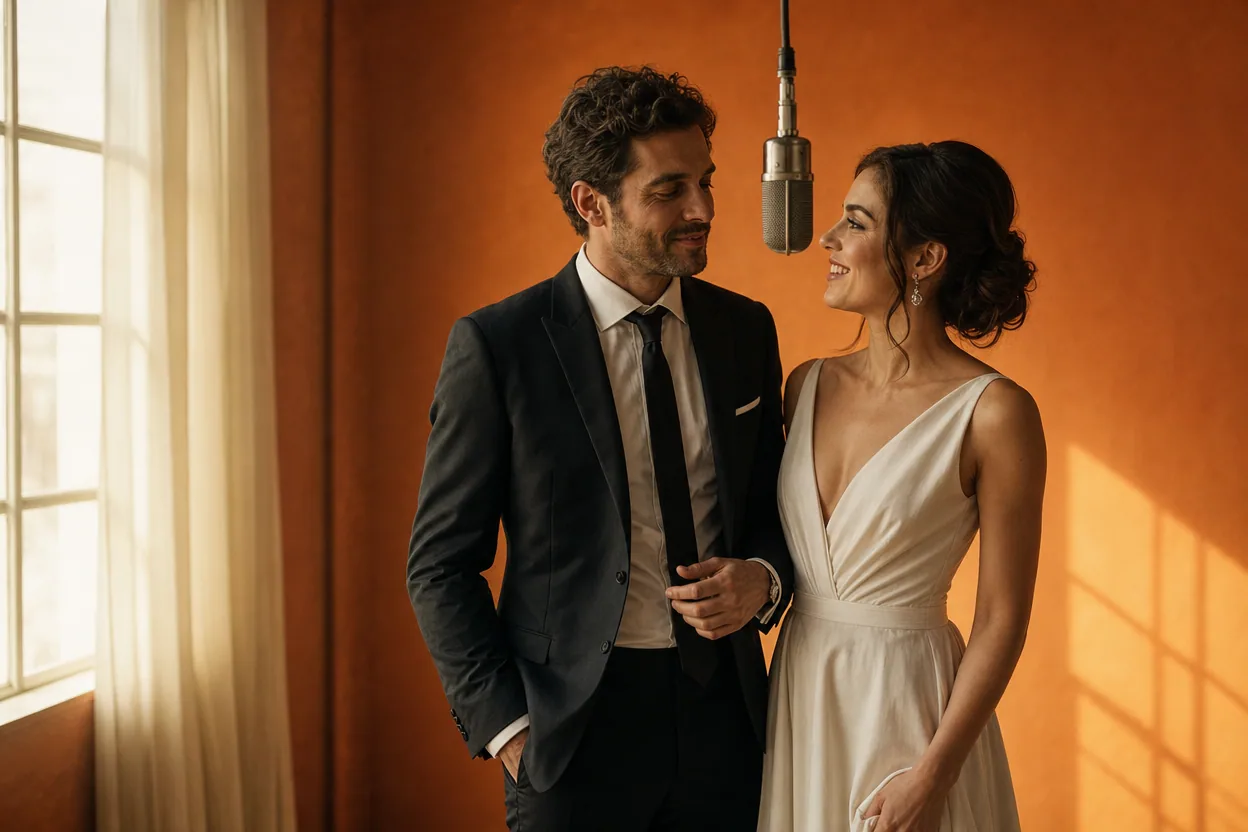
Wedding and couple keepsakes
Wedding Photo to Video
A wedding photo to video gives two formal portraits a shared moment of movement. You upload one photo of each person, choose a cinematic template, and the two faces are placed into the same short performance.
Open this use case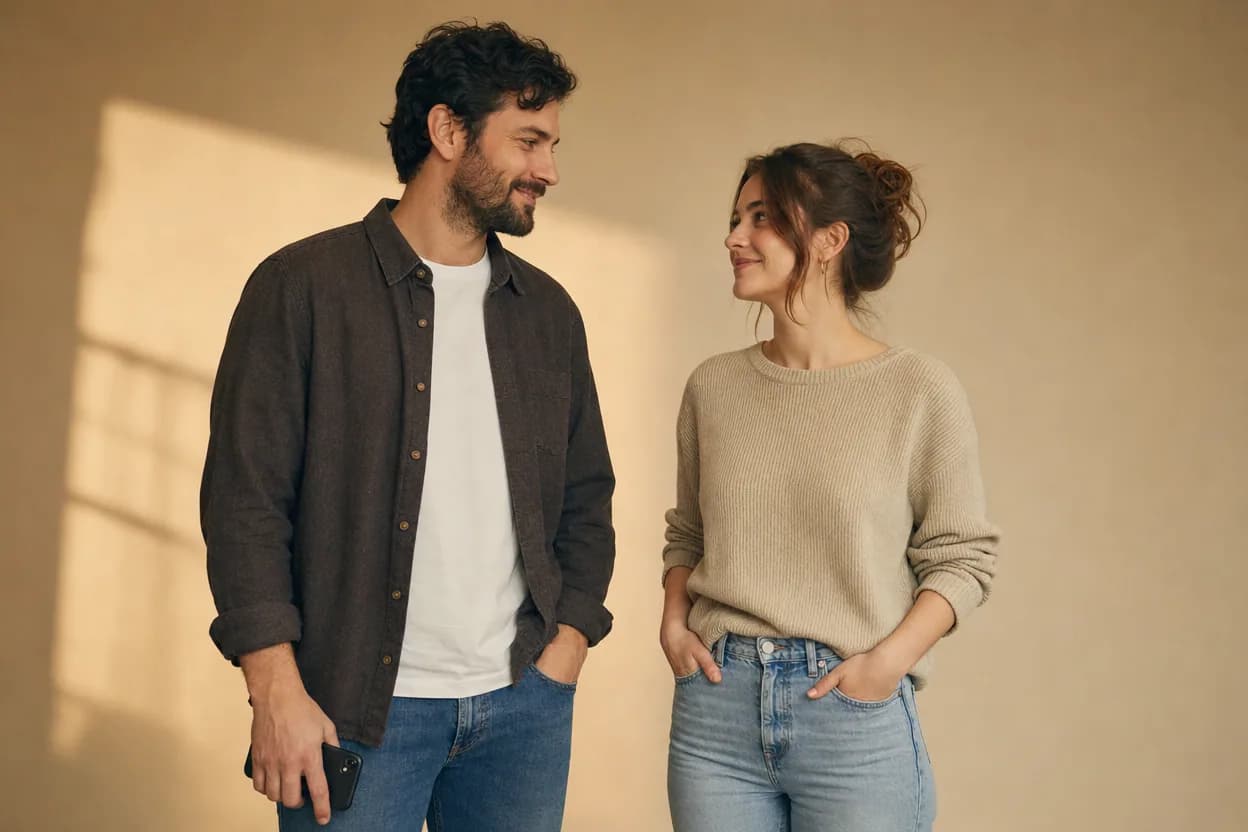
Long-distance relationships
Long Distance Couple Video
A long distance couple video gives two people in different places a shared visual moment. Each person supplies a photo, and the template places both of them inside one short scene.
Open this use case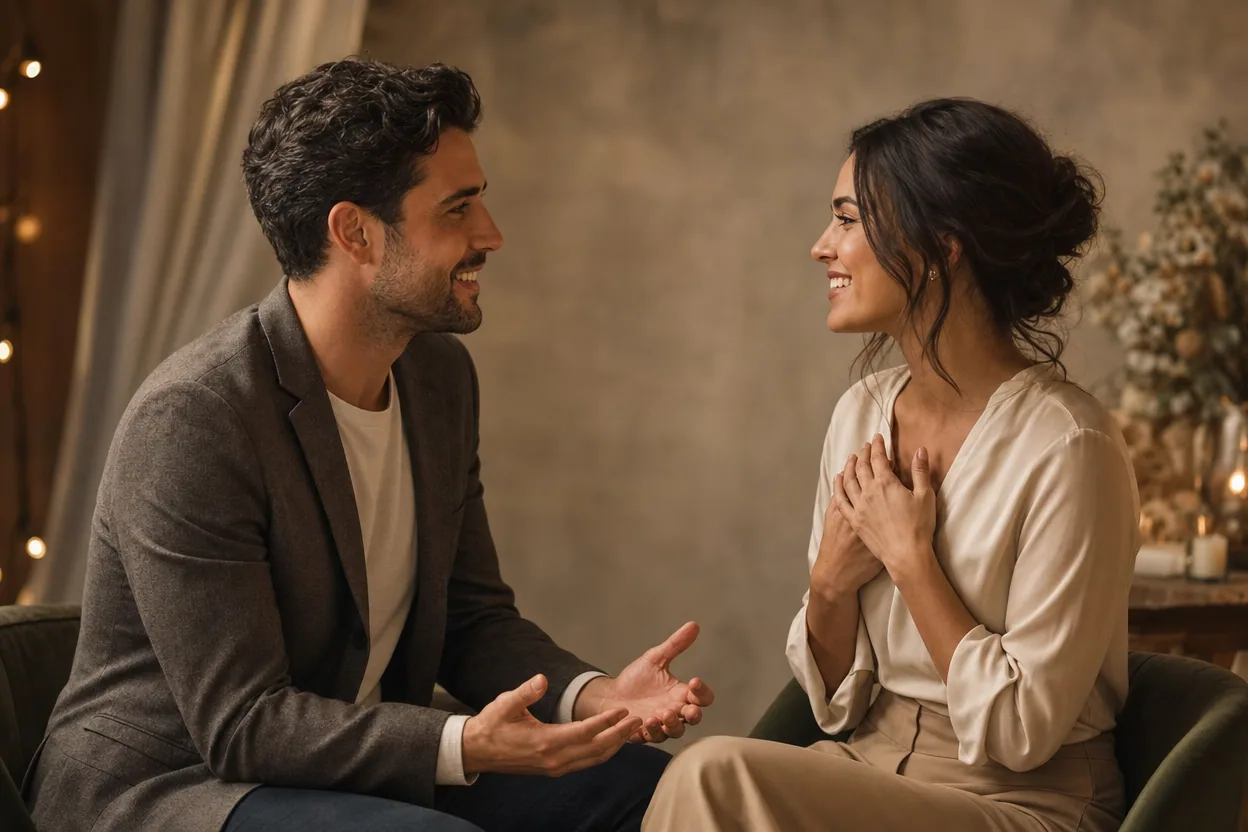
Announcements and reveals
Engagement Announcement Video
An engagement announcement video turns two portraits into a short, shareable reveal. It is a light visual for a caption, a message, or a social post, built from the photos you already have.
Open this use caseMake your clip with two photos
An anniversary photo video is a small digital gift made from two portraits. Instead of asking for a recent photo together, you can use the photos you already have and place both people into one gentle, moving scene.
Create the anniversary clip